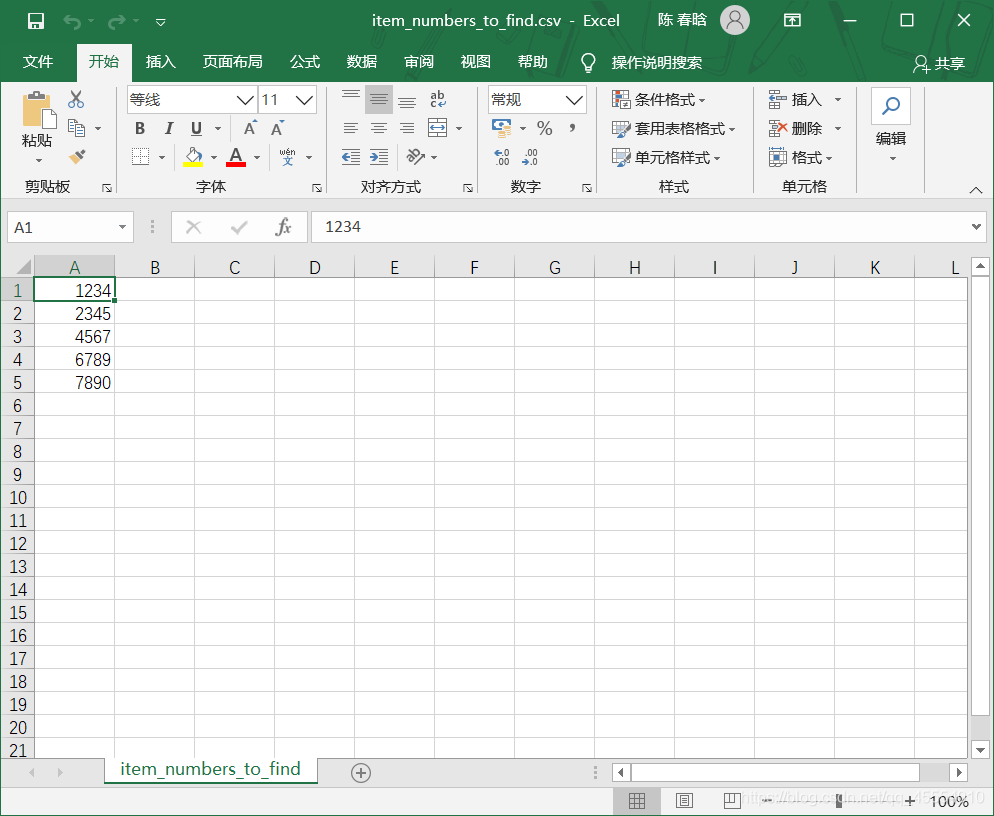
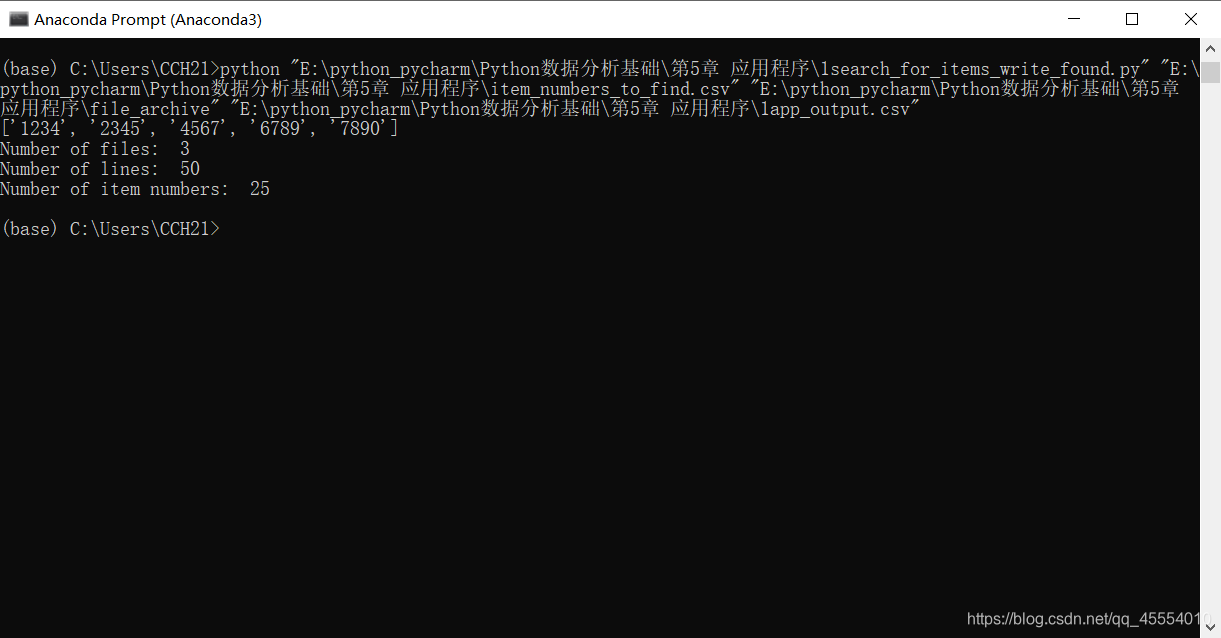
item_numbers_to_find = [] with open(item_numbers_file, 'r', newline='') as item_numbers_csv_file: filereader = csv.reader(item_numbers_csv_file) for row in filereader: item_numbers_to_find.append(row[0]) print(item_numbers_to_find)
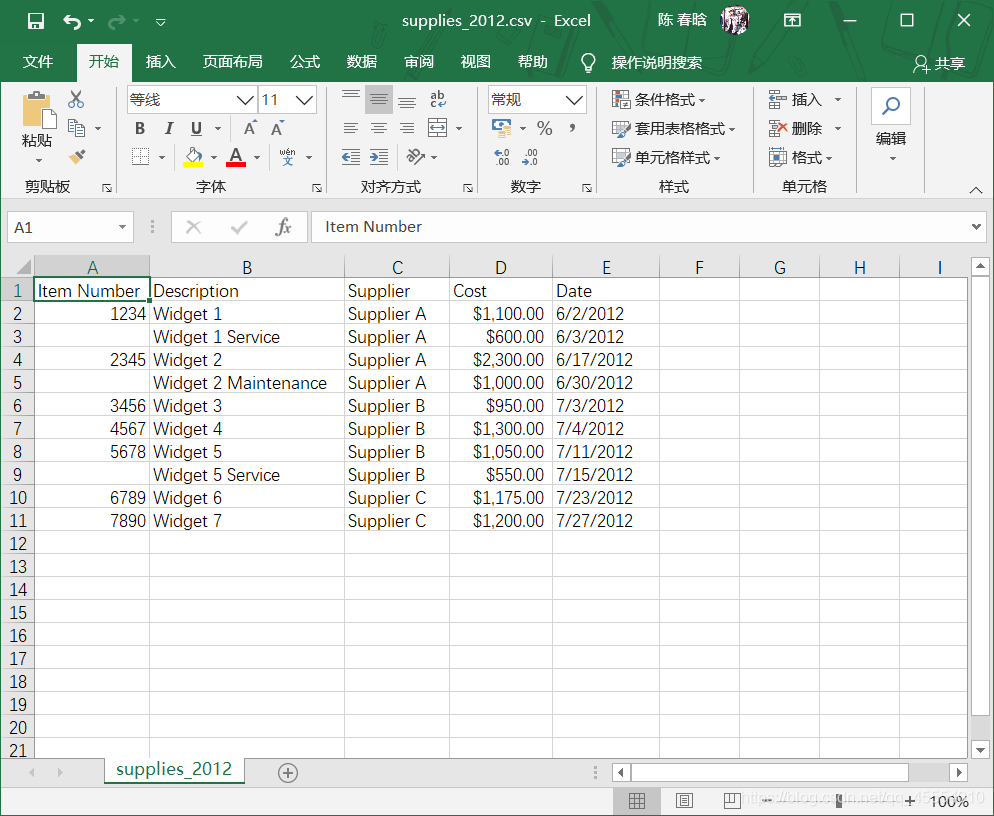
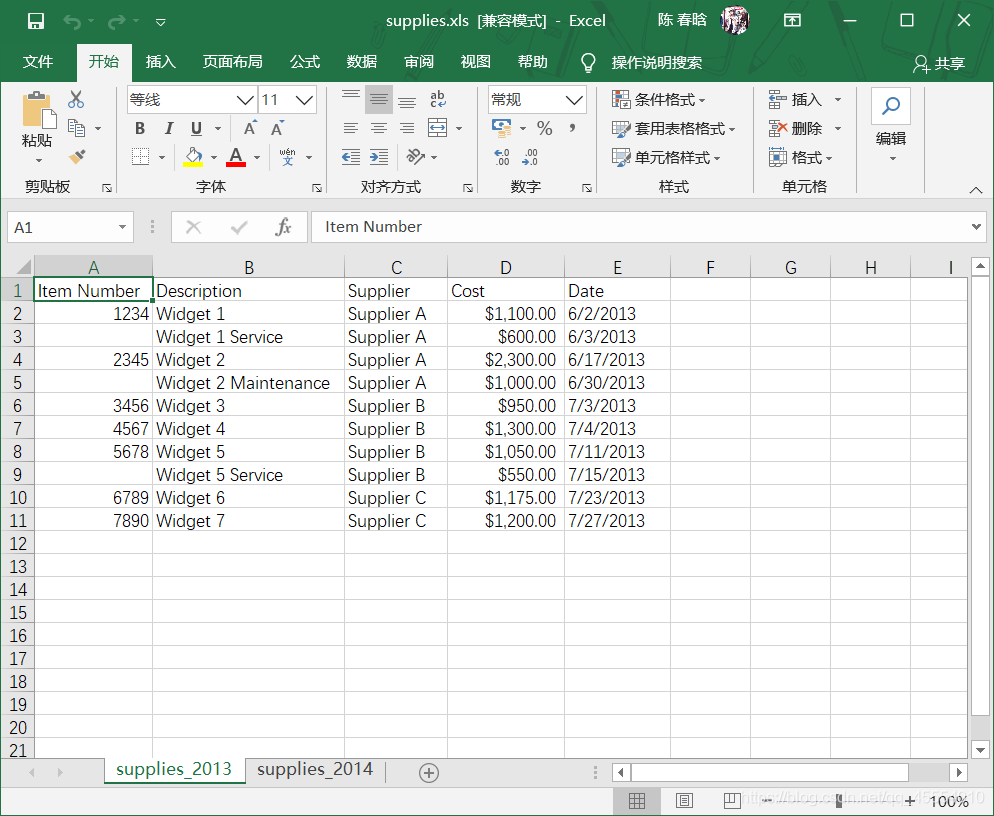
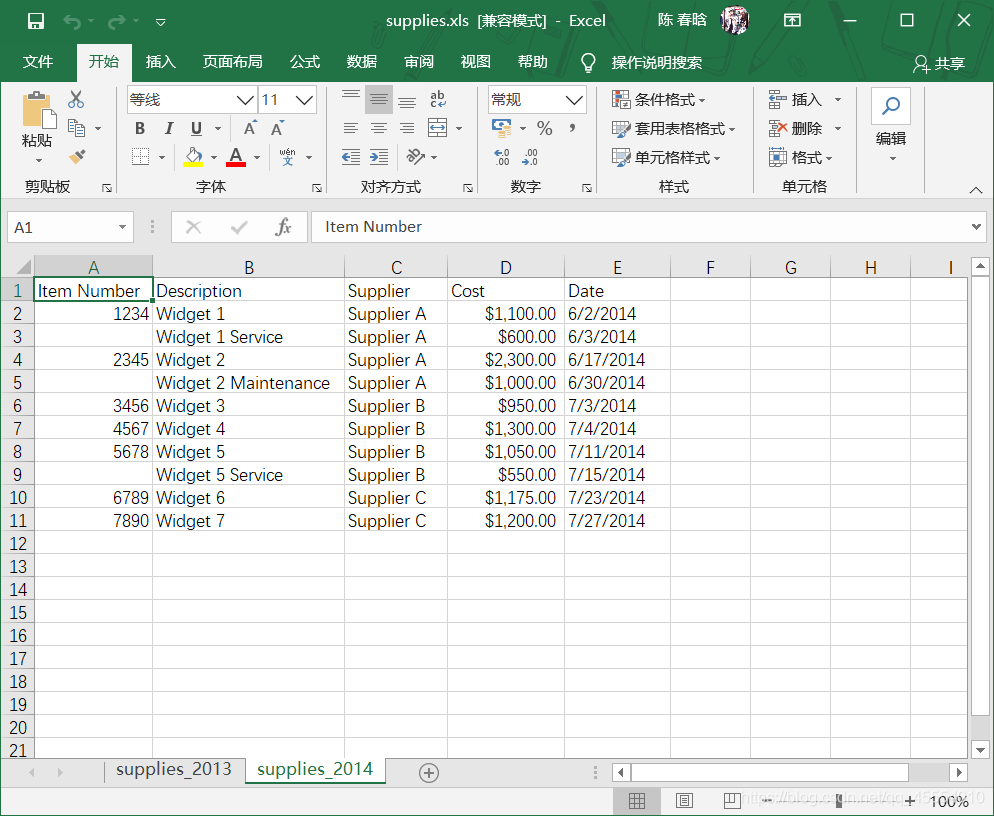
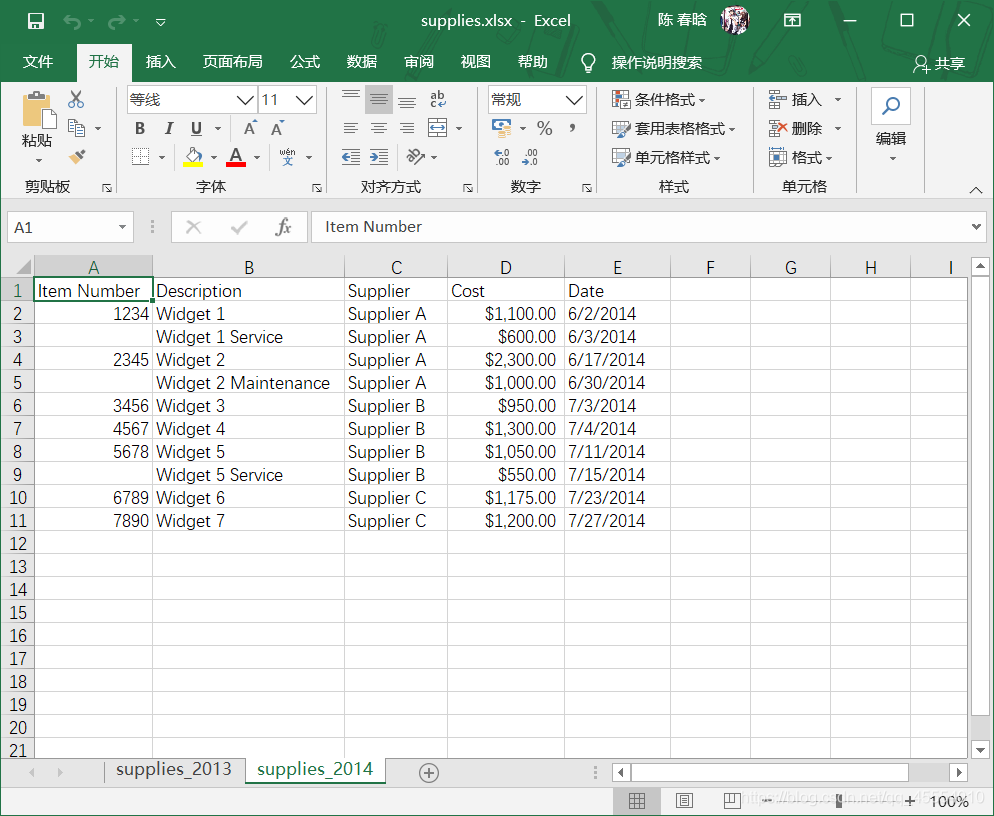
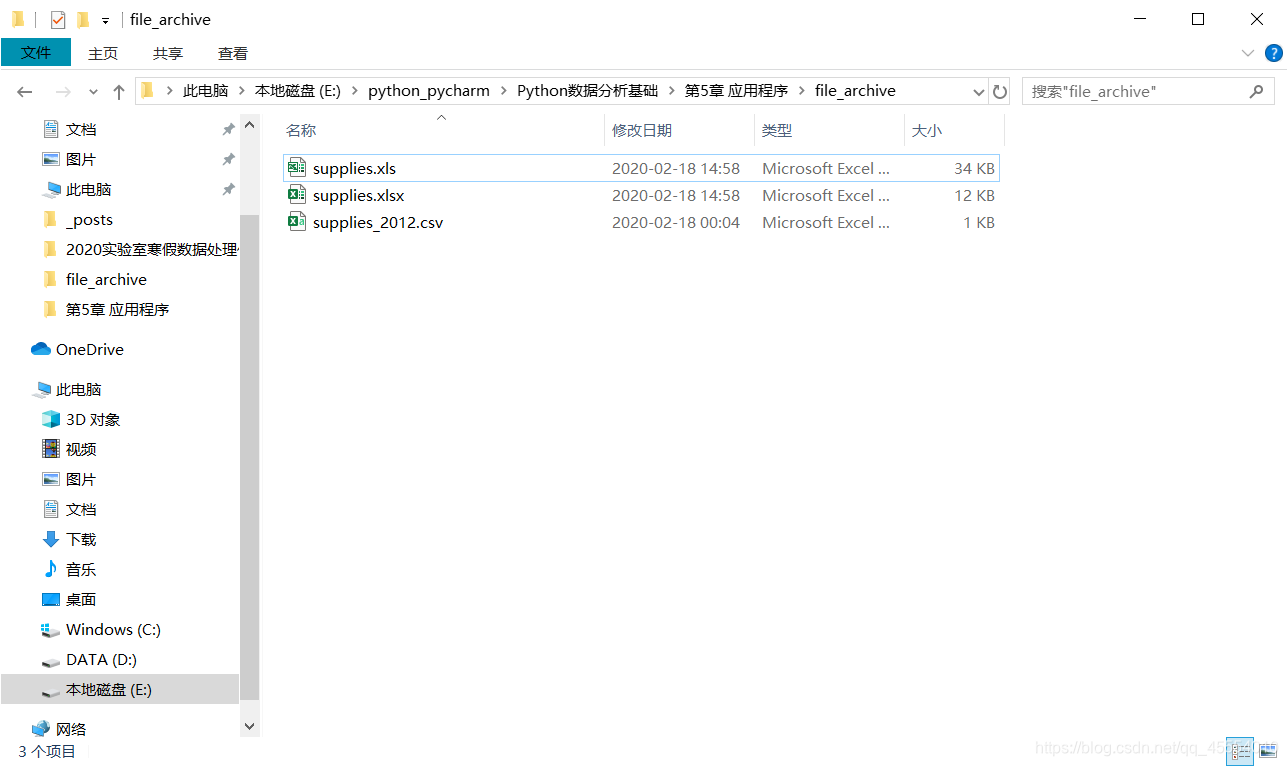
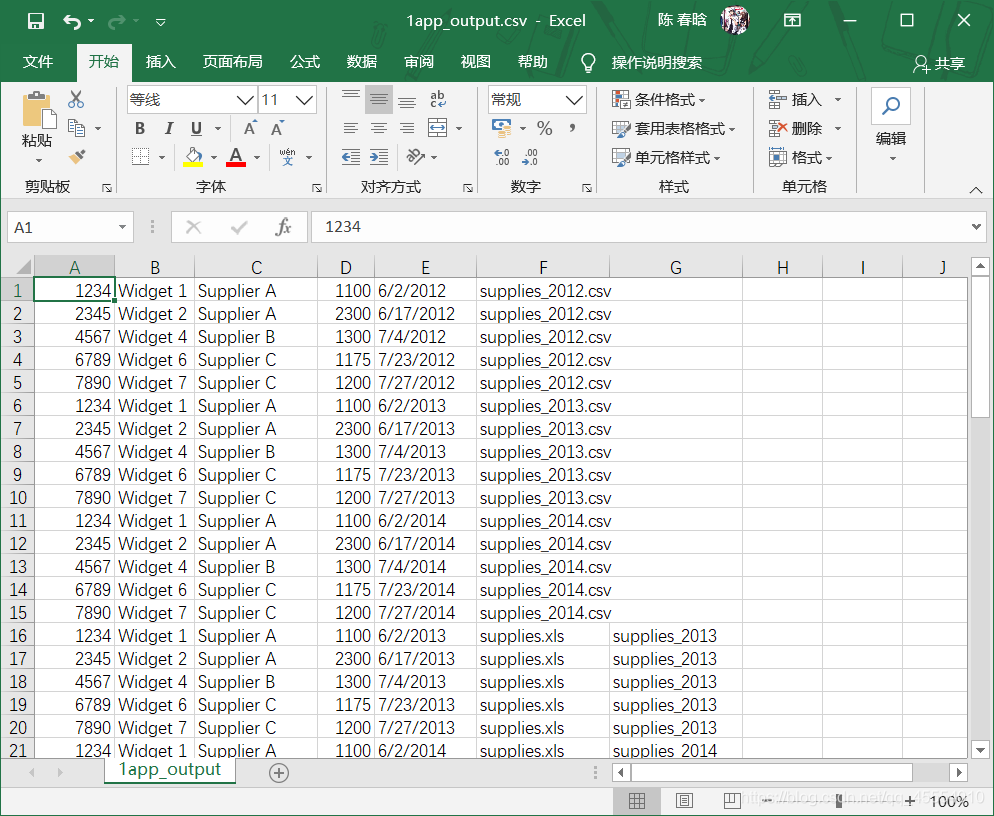
filewriter = csv.writer(open(output_file, 'a', newline='')) file_counter = 0 line_counter = 0 count_of_item_numbers = 0 for input_file in glob.glob(os.path.join(path_to_folder, '*.*')): file_counter += 1 if input_file.split('.')[1] == 'csv': with open(input_file, 'r', newline='') as csv_in_file: filereader = csv.reader(csv_in_file) header = next(filereader) for row in filereader: row_of_output = [] for column in range(len(header)): if column == 3: cell_value = str(row[column]).lstrip('$').replace(',', '').strip() row_of_output.append(cell_value) else: cell_value = str(row[column]).strip() row_of_output.append(cell_value) row_of_output.append(os.path.basename(input_file)) if row[0] in item_numbers_to_find: filewriter.writerow(row_of_output) count_of_item_numbers += 1 line_counter += 1 elif input_file.split('.')[1] == 'xls' or input_file.split('.')[1] == 'xlsx': workbook = open_workbook(input_file) for worksheet in workbook.sheets(): try: header = worksheet.row_values(0) except IndexError: pass for row in range(1, worksheet.nrows): row_of_output = [] for column in range(len(header)): if worksheet.cell_type(row, column) == 3: cell_value = xldate_as_tuple(worksheet.cell(row, column).value, workbook.datemode) cell_value = str(date(*cell_value[0:3])).strip() row_of_output.append(cell_value) else: cell_value = str(worksheet.cell_value(row, column)).strip() row_of_output.append(cell_value) row_of_output.append(os.path.basename(input_file)) row_of_output.append(worksheet.name) if str(worksheet.cell(row, 0).value).split('.')[0].strip() in item_numbers_to_find: filewriter.writerow(row_of_output) count_of_item_numbers += 1 line_counter += 1
print('Number of files: ', file_counter) print('Number of lines: ', line_counter) print('Number of item numbers: ', count_of_item_numbers)
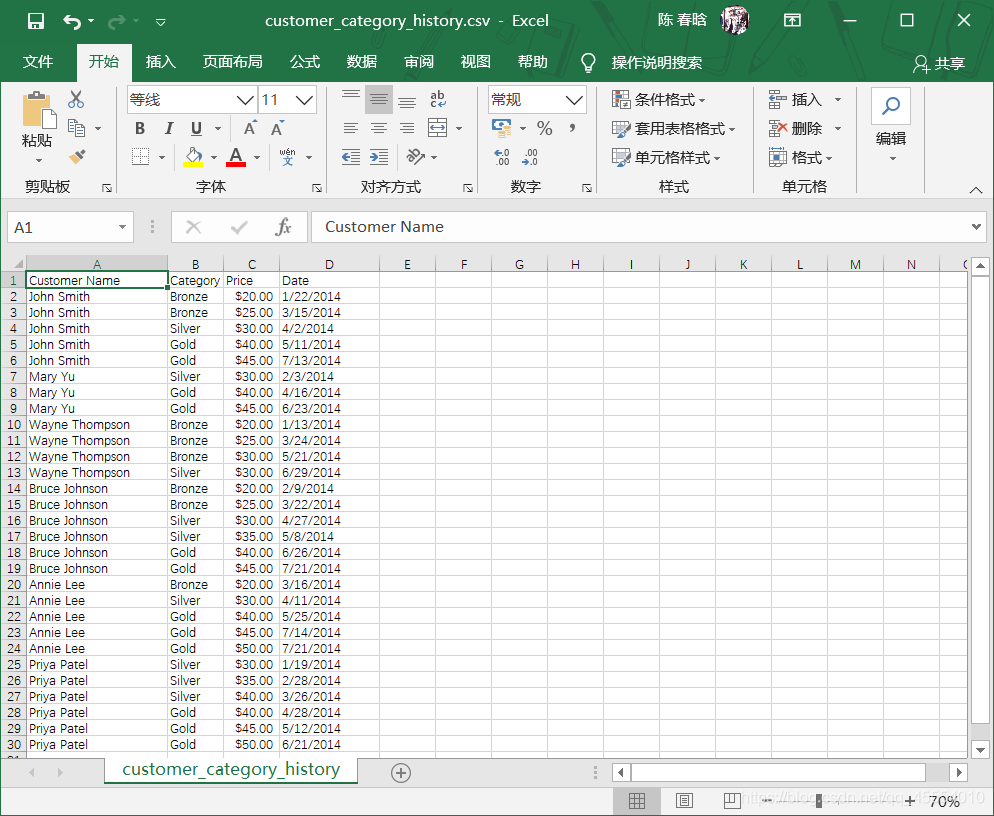
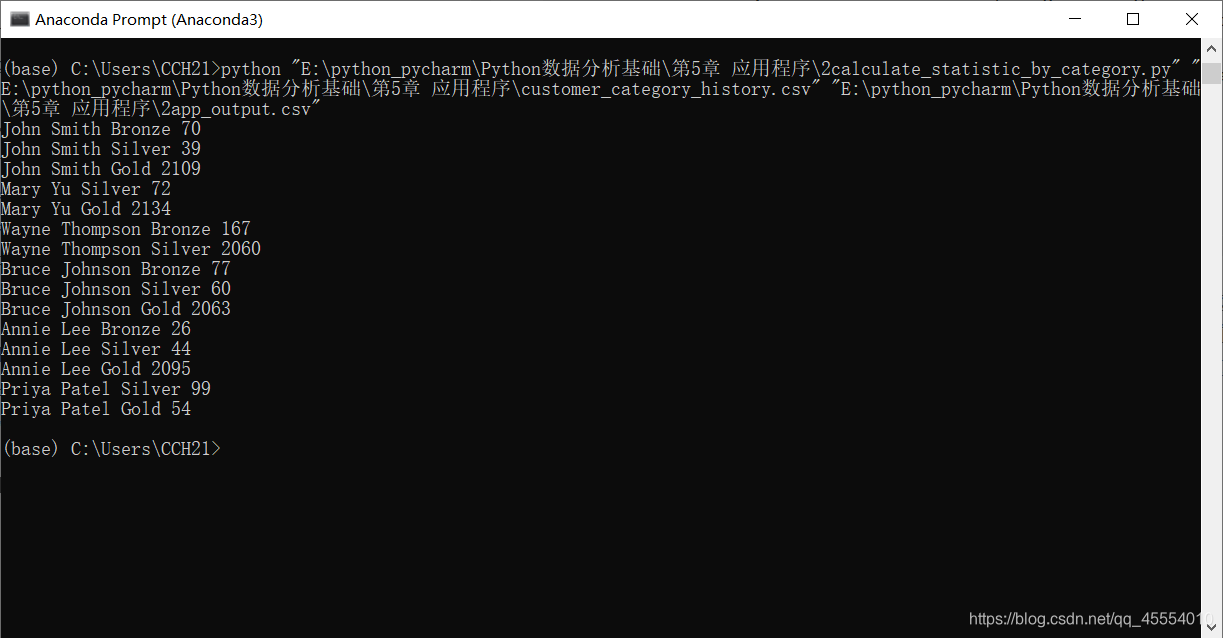
packages = {} previous_name = 'N/A' previous_package = 'N/A' previous_package_date = 'N/A' first_row = True today = date.today().strftime('%m/%d/%Y') with open(input_file, 'r', newline='') as input_csv_file: filereader = csv.reader(input_csv_file) header = next(filereader) for row in filereader: current_name = row[0] current_package = row[1] current_package_date = row[3] if current_name not in packages: packages[current_name] = {} if current_package not in packages[current_name]: packages[current_name][current_package] = 0 if current_name != previous_name: if first_row: first_row = False else: diff = date_diff(today, previous_package_date) if previous_package not in packages[previous_name]: packages[previous_name][previous_package] = int(diff) else: packages[previous_name][previous_package] += int(diff) else: diff = date_diff(current_package_date, previous_package_date) packages[previous_name][previous_package] += int(diff) previous_name = current_name previous_package = current_package previous_package_date = current_package_date
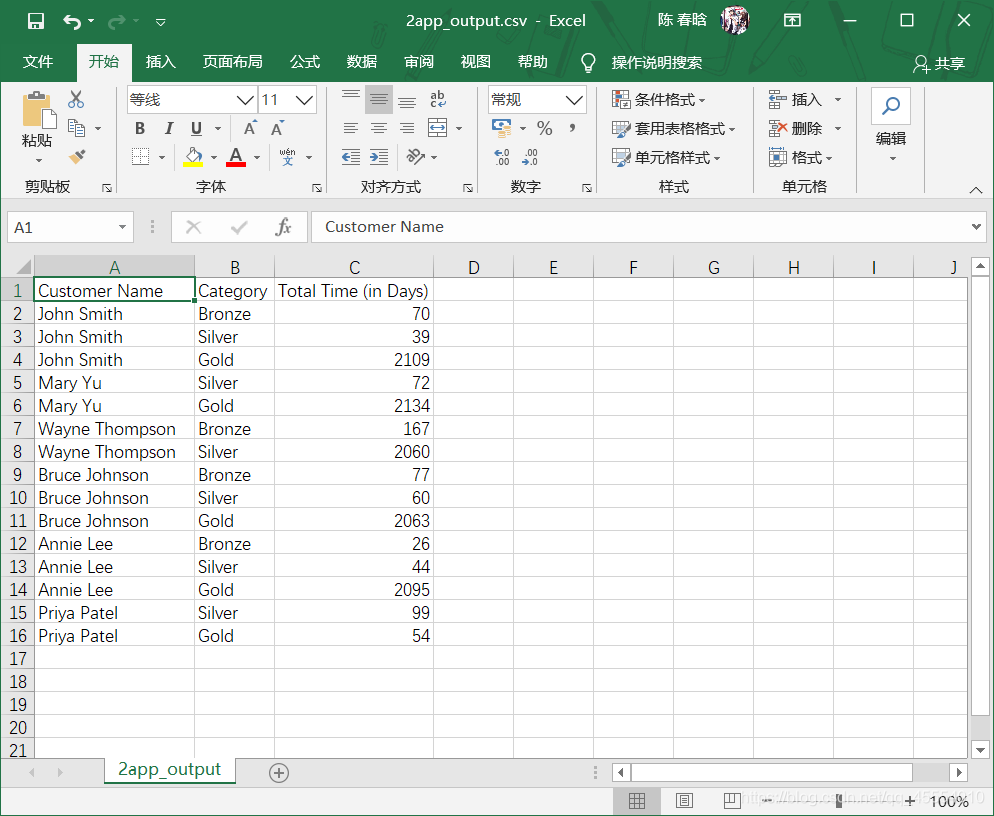
header = ['Customer Name', 'Category', 'Total Time (in Days)'] with open(output_file, 'w', newline='') as output_csv_file: filewriter = csv.writer(output_csv_file) filewriter.writerow(header) for customer_name, customer_name_value in packages.items(): for package_category, package_category_value in packages[customer_name].items(): row_of_output = [] print(customer_name, package_category, package_category_value) row_of_output.append(customer_name) row_of_output.append(package_category) row_of_output.append(package_category_value) filewriter.writerow(row_of_output)
messages = {} notes = [] with open(input_file, 'r', newline='') as text_file: for row in text_file: if '[Note]' in row: row_list = row.split(' ', 4) day = row_list[0].strip() note = row_list[4].strip('\n').strip() if note not in notes: notes.append(note) if day not in messages: messages[day] = {} if note not in messages[day]: messages[day][note] = 1 else: messages[day][note] += 1
filewriter = open(output_file, 'w', newline='') header = ['Date'] header.extend(notes) header = ','.join(map(str, header)) + '\n' print(header) filewriter.write(header) for day, day_value in messages.items(): row_of_output = [] row_of_output.append(day) for index in range(len(notes)): if notes[index] in day_value.keys(): row_of_output.append(day_value[notes[index]]) else: row_of_output.append(0) output = ','.join(map(str, row_of_output)) + '\n' print(output) filewriter.write(output) filewriter.close()
with open(input_file, 'r', newline='') as csv_in_file: with open(output_file, 'w', newline='') as csv_out_file: filereader = csv.reader(csv_in_file, delimiter=' ') filewriter = csv.writer(csv_out_file) for row_list in filereader: if len(row_list) == 6 and row_list[2] != '0': filewriter.writerow(row_list)
my_columns = [3, 4, 5] with open(input_file, 'r', newline='') as csv_in_file: with open(output_file, 'w', newline='') as csv_out_file: filereader = csv.reader(csv_in_file) filewriter = csv.writer(csv_out_file, delimiter=' ') for row_list in filereader: row_list_output = [] for index_value in my_columns: row_list_output.append(row_list[index_value]) filewriter.writerow(row_list_output)
with open(input_file, 'r', newline='') as csv_in_file: with open(output_file, 'w', newline='') as csv_out_file: filereader = csv.reader(csv_in_file) filewriter = csv.writer(csv_out_file) total = [] for row_list in filereader: total.append(row_list[0]) outputList = [] a_list = [] a = 0 for data in total: if a < 19: a += 1 a_list.append(data) else: a_list.append(data) outputList.append(a_list) a = 0 a_list = [] for output_line in outputList: filewriter.writerow(output_line)
# 查询Suppliers表,并将结果写入CSV输出文件 c.execute("""SELECT * FROM Suppliers WHERE Cost > 700.0;""") rows = c.fetchall() for row in rows: filewriter.writerow(row)
# 连接MySQL数据库 con = MySQLdb.connect(host='localhost', port=3306, db='my_suppliers', user='root', passwd='## your password ##') c = con.cursor()
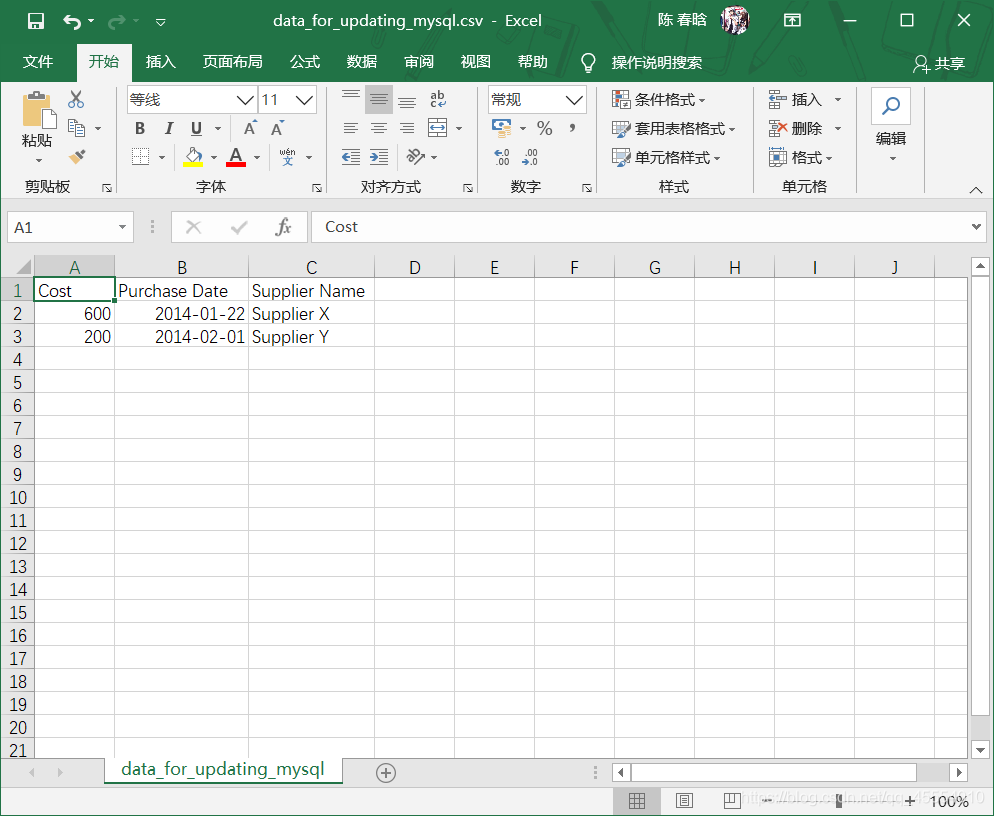
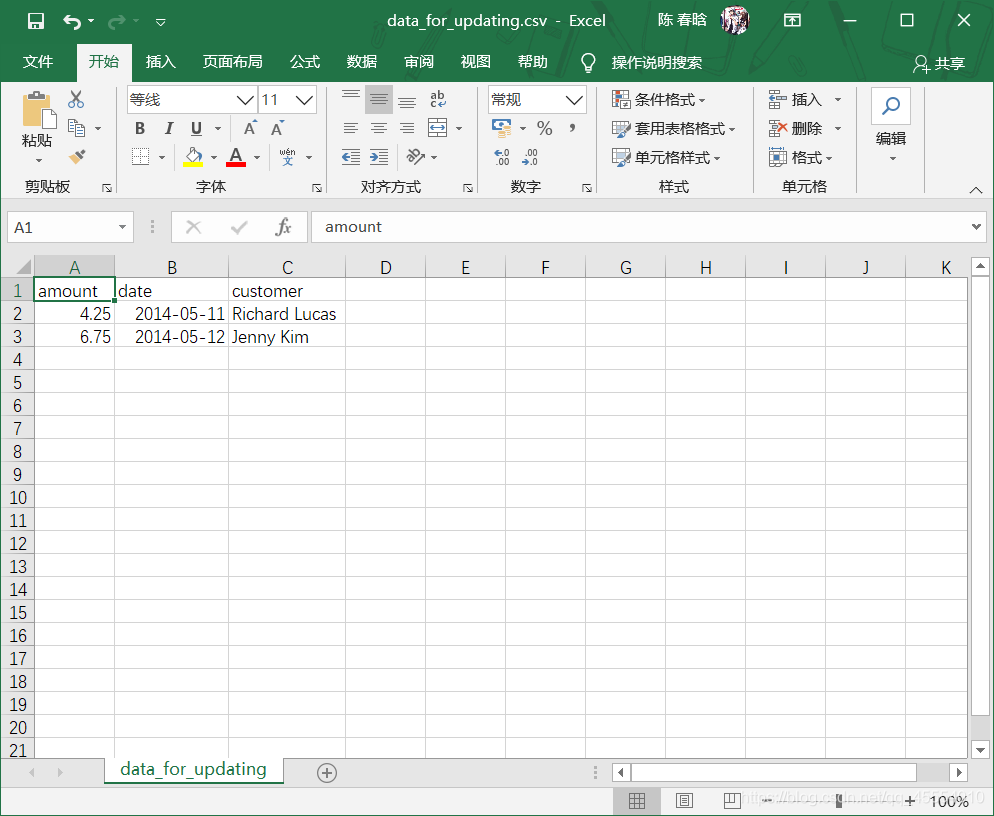
# 读取CSV文件并更新特定的行 file_reader = csv.reader(open(input_file, 'r', newline=''), delimiter=',') header = next(file_reader, None) for row in file_reader: data = [] for column_index in range(len(header)): data.append(str(row[column_index]).strip()) print(data) c.execute("""UPDATE Suppliers SET Cost=%s, Purchase_Date=%s WHERE Supplier_Name=%s;""", data) con.commit()
# 查询Suppliers表 c.execute("SELECT * FROM Suppliers") rows = c.fetchall() for row in rows: output = [] for column_index in range(len(row)): output.append(str(row[column_index])) print(output)
import csv import MySQLdb import sys from datetime import datetime, date
# CSV输入文件的路径和文件名 input_file = sys.argv[1]
# 连接MySQL数据库 con = MySQLdb.connect(host='localhost', port=3306, db='my_suppliers', user='root', passwd='## your password ##') c = con.cursor()
# 向Suppliers表中插入数据 file_reader = csv.reader(open(input_file, 'r', newline='')) header = next(file_reader) for row in file_reader: data = [] for column_index in range(len(header)): if column_index < 4: data.append(str(row[column_index]).lstrip('$').replace(',', '').strip()) else: a_date = datetime.date(datetime.strptime(str(row[column_index]), '%m/%d/%Y')) a_date = a_date.strftime('%Y-%m-%d') data.append(a_date) print(data) c.execute("""INSERT INTO Suppliers VALUES (%s, %s, %s, %s, %s);""", data) con.commit() print("")
# 查询Suppliers表 c.execute("SELECT * FROM Suppliers") rows = c.fetchall() for row in rows: row_list_output = [] for column_index in range(len(row)): row_list_output.append(str(row[column_index])) print(row_list_output)
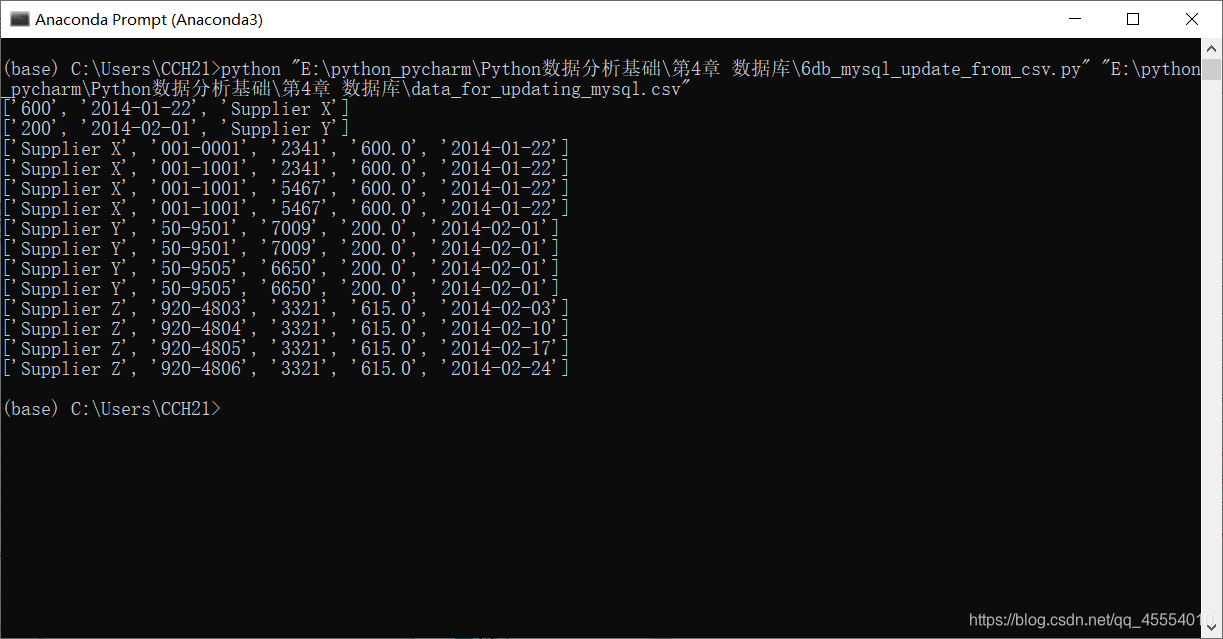
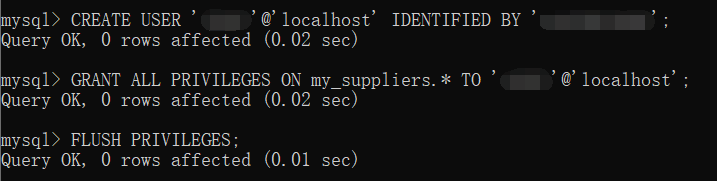
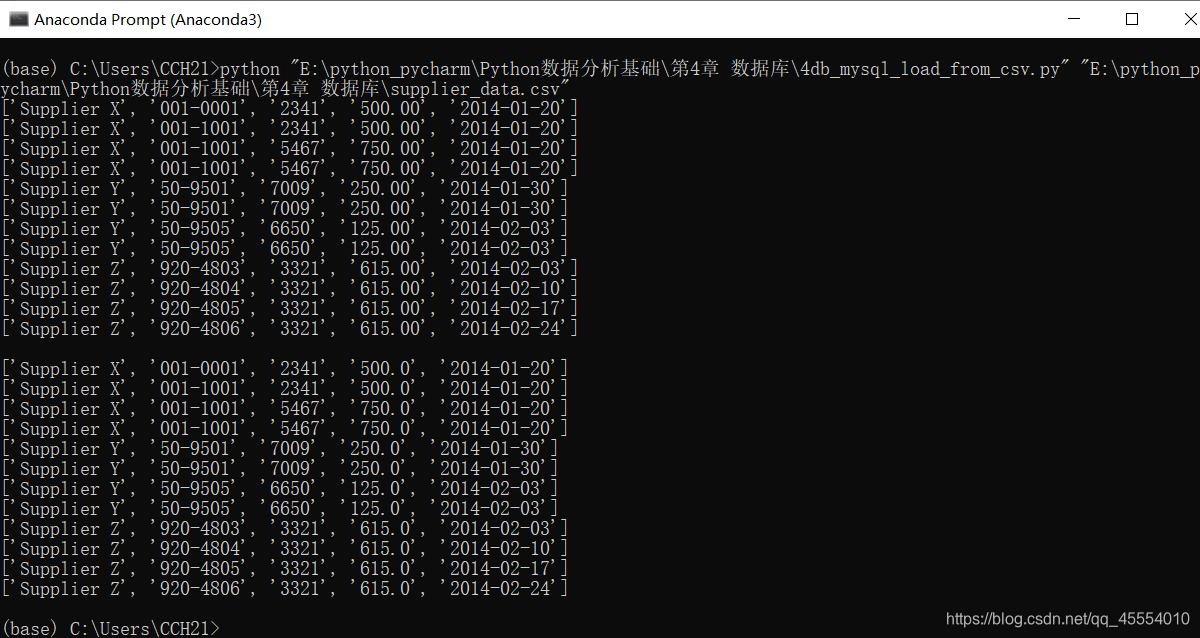
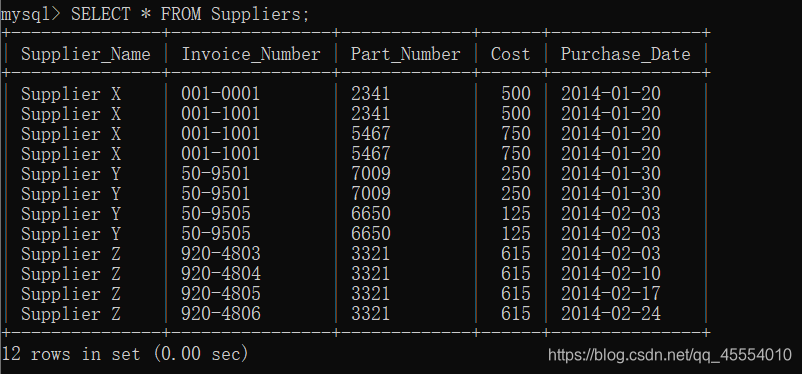
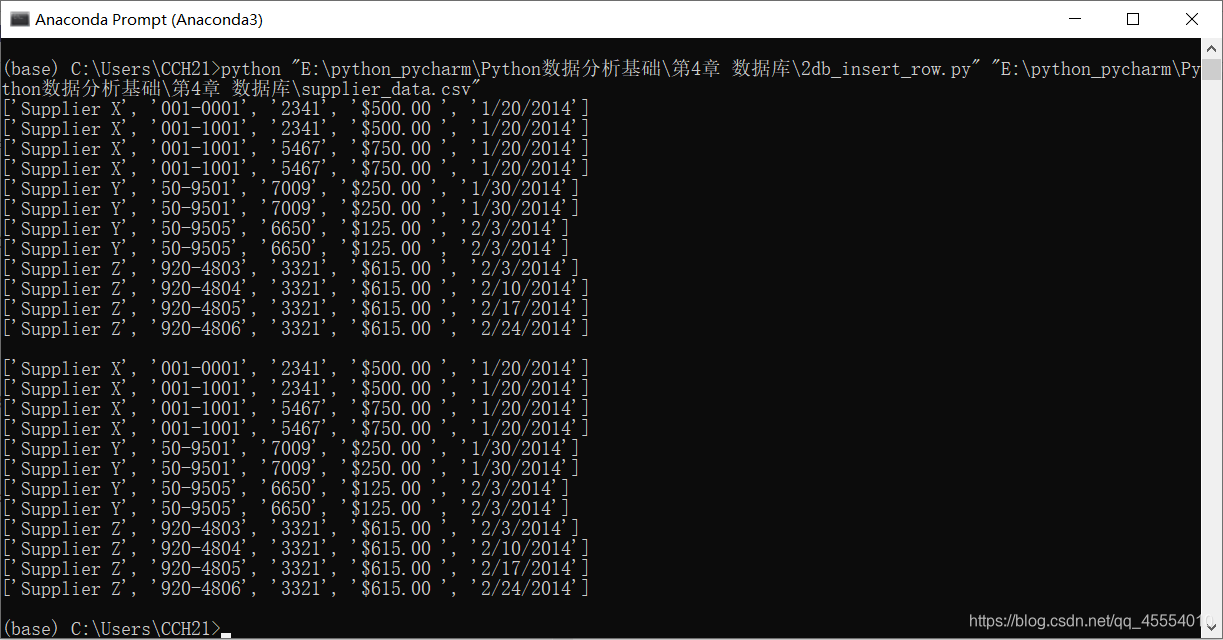
第12行代码使用MySQLdb模块的connect()方法连接my_suppliers,即前面我们创建的MySQL数据库。在连接时,我们需要指定一些通用参数。host是数据库所在的机器的主机名,在这里,MySQL服务器保存在我们的计算机上,所以host是localhost。port是MySQL服务器的TCP/IP连接端口号,这里我们使用的端口号是默认的端口号3306。db是想要连接的数据库名称。user是进行数据库连接的用户的用户名,passwd即为密码。在这里我们作为“root”用户进行连接,使用的密码就是在安装MySQL服务器时创建的密码。我们此前新建了一个新用户,如果想使用新用户,我们只需要把用户名和密码相应地替换掉即可。 我们在命令行窗口中运行这个脚本,得到输出结果。 这个输出结果证明了数据被成功地加载到了Suppliers表中,并被成功读出。 我们打开MySQL命令行客户端,输入命令SELECT * FROM Suppliers;,可以看到一个表格,其中列出了Suppliers数据表中所有的列以及每列中的12行数据。
# 创建SQLite3内存数据库 # 创建带有5个属性的Suppliers表 con = sqlite3.connect('E:\\python_pycharm\\Python数据分析基础\\第4章 数据库\\Suppliers.db') c = con.cursor() create_table = """CREATE TABLE IF NOT EXISTS Suppliers (Supplier_Name VARCHAR(20), Invoice_Number VARCHAR(20), Part_Number VARCHAR(20), Cost FLOAT, Purchase_Date DATE);""" c.execute(create_table) con.commit()
# 读取CSV文件 # 向Suppliers表中插入数据 file_reader = csv.reader(open(input_file, 'r'), delimiter=',') header = next(file_reader, None) for row in file_reader: data = [] for column_index in range(len(header)): data.append(row[column_index]) print(data) c.execute("INSERT INTO Suppliers VALUES (?, ?, ?, ?, ?);", data) con.commit() print('')
# 查询Suppliers表 output = c.execute("SELECT * FROM Suppliers") rows = output.fetchall() for row in rows: output = [] for column_index in range(len(row)): output.append(str(row[column_index])) print(output)
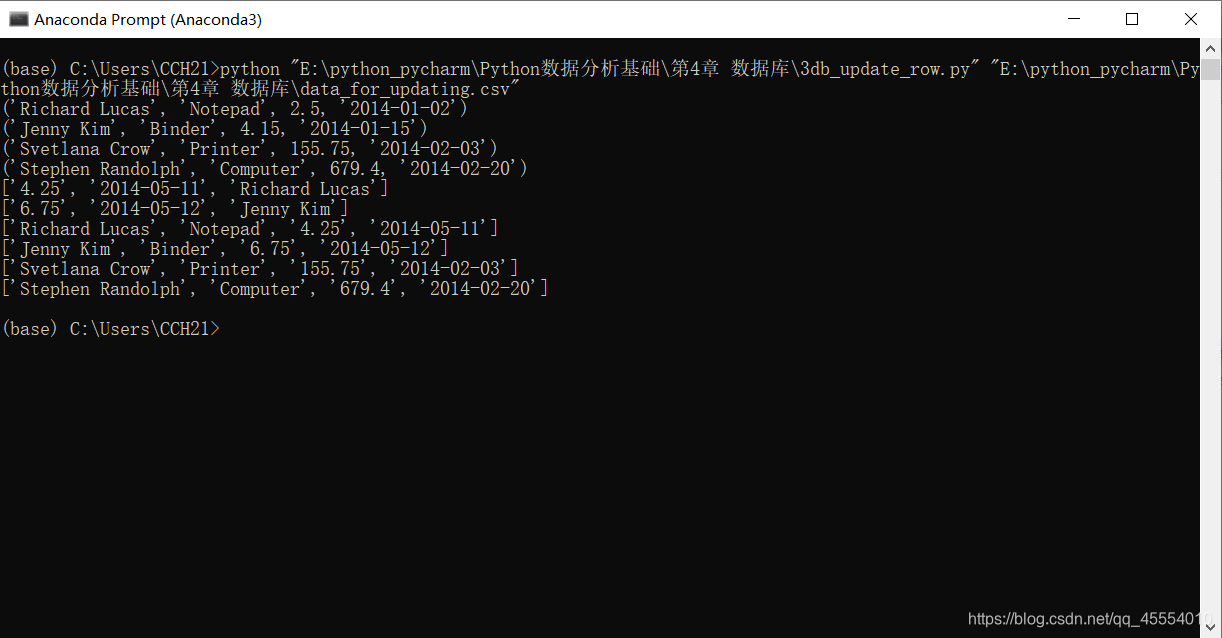
# 读取CSV文件并更新特定的行 file_reader = csv.reader(open(input_file, 'r'), delimiter=',') header = next(file_reader, None) for row in file_reader: data = [] for column_index in range(len(header)): data.append(row[column_index]) print(data) con.execute("UPDATE sales SET amount=?, date=? WHERE customer=?;", data) con.commit()
# 查询sales表 cursor = con.execute("SELECT * FROM sales") rows = cursor.fetchall() for row in rows: output = [] for column_index in range(len(row)): output.append(str(row[column_index])) print(output)
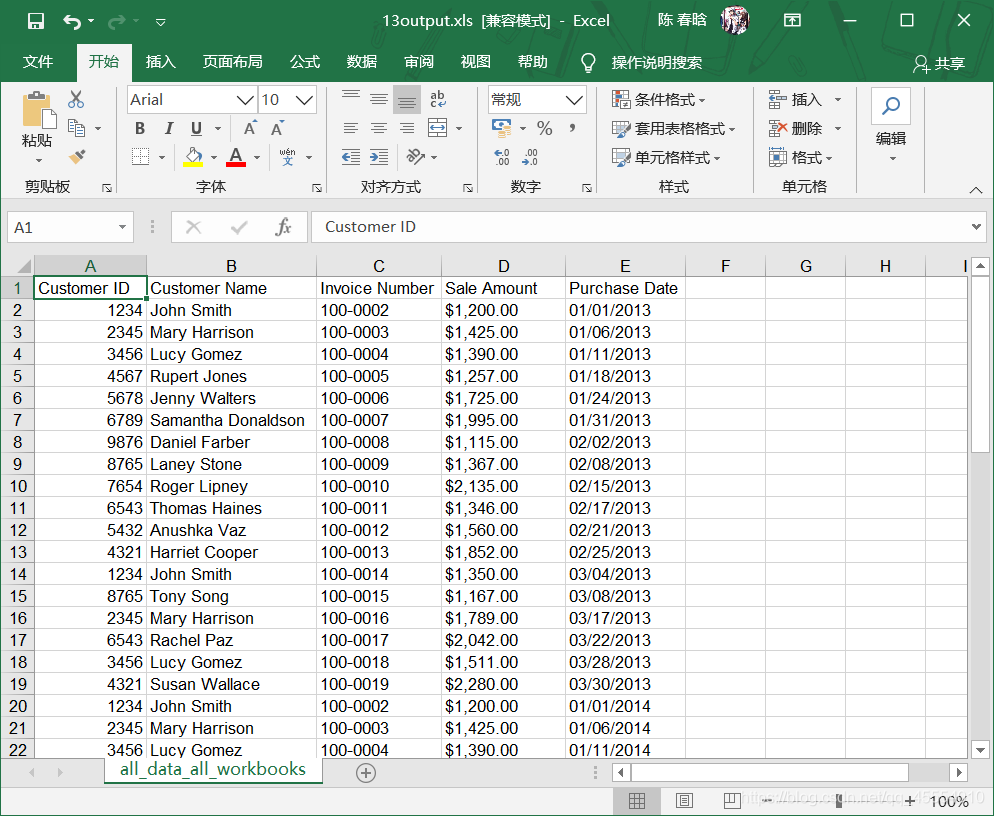
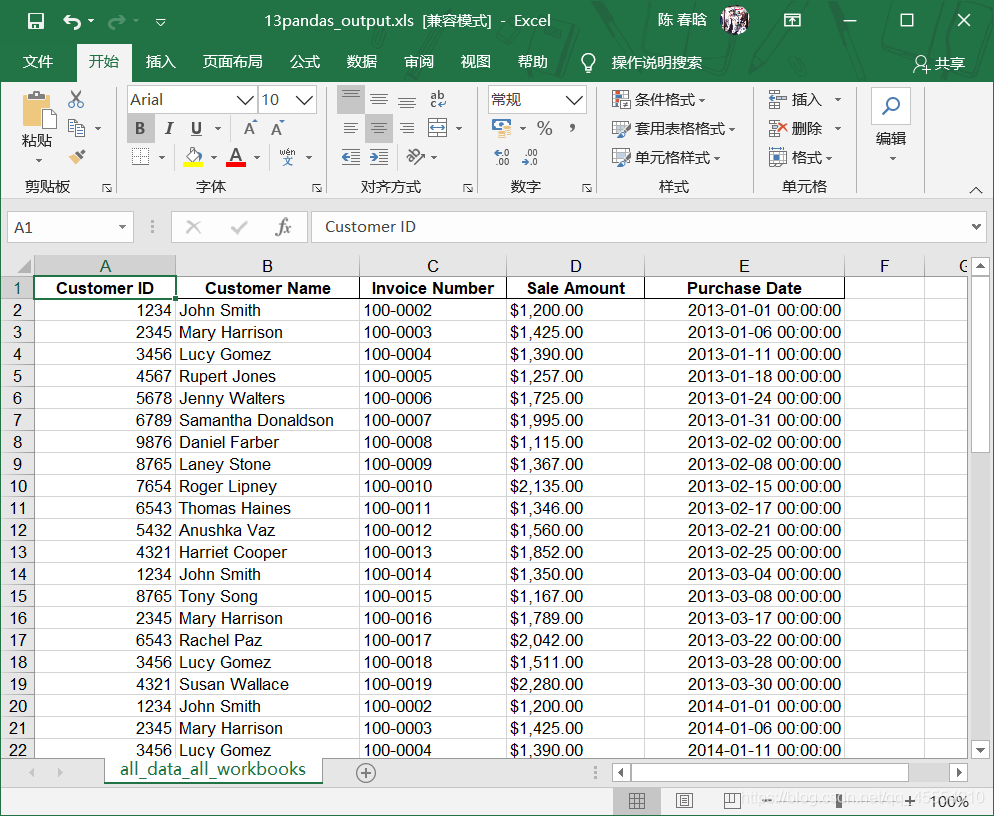
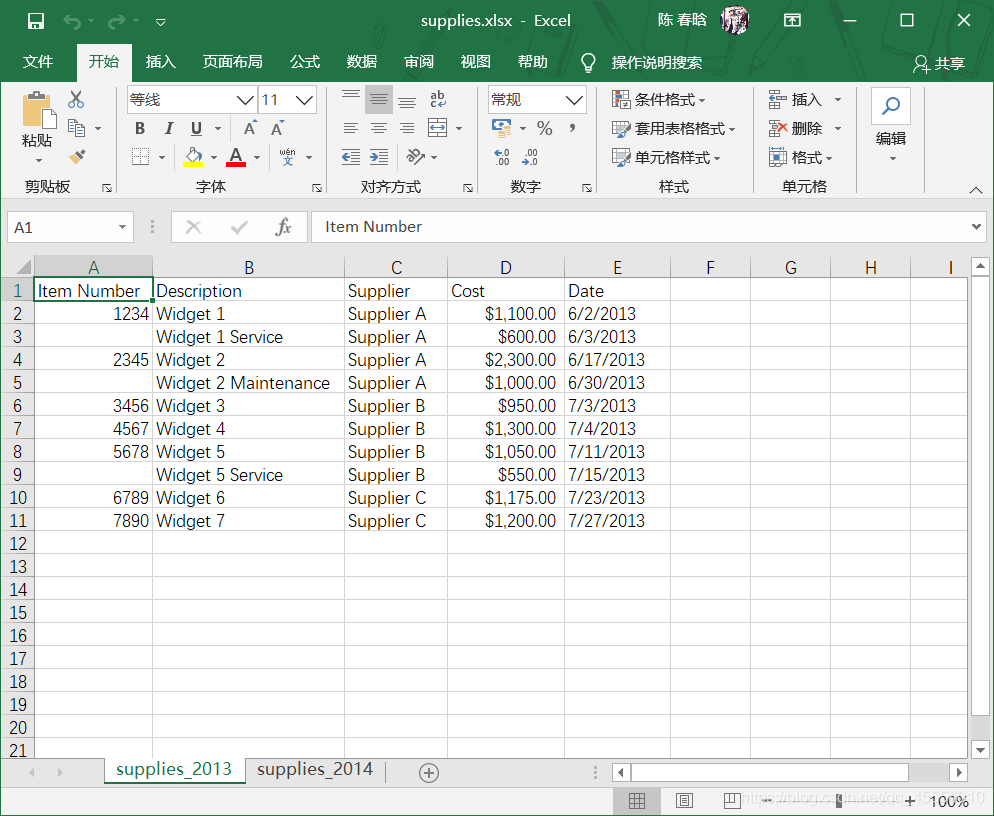
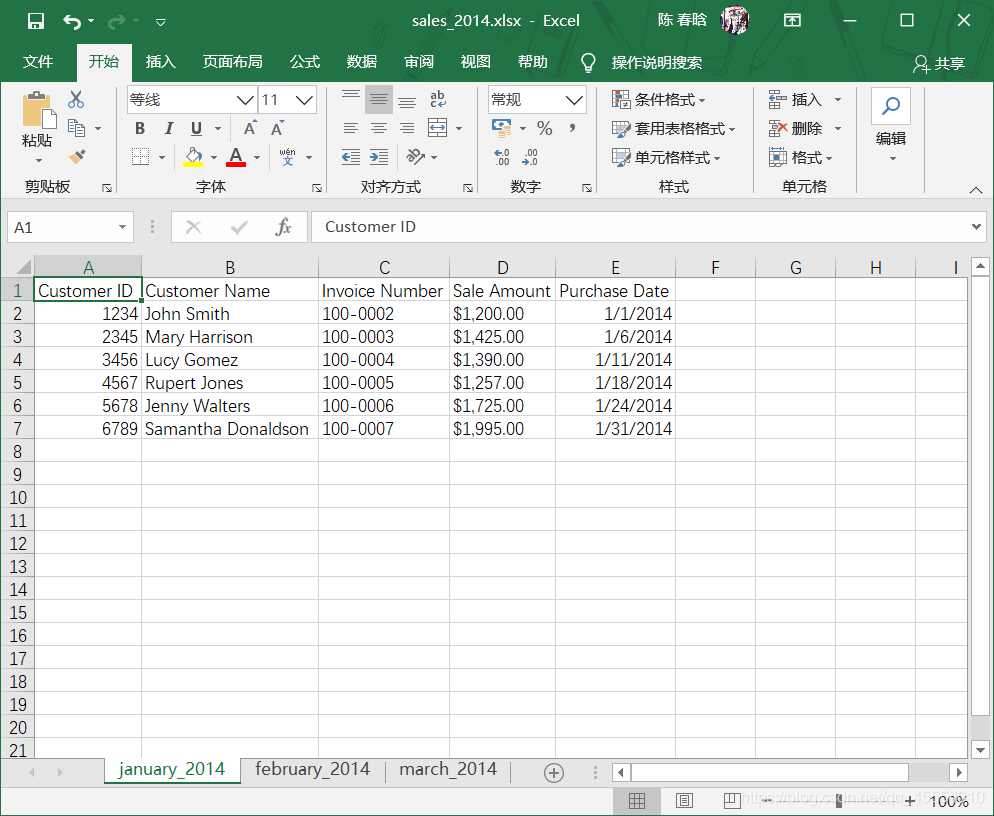
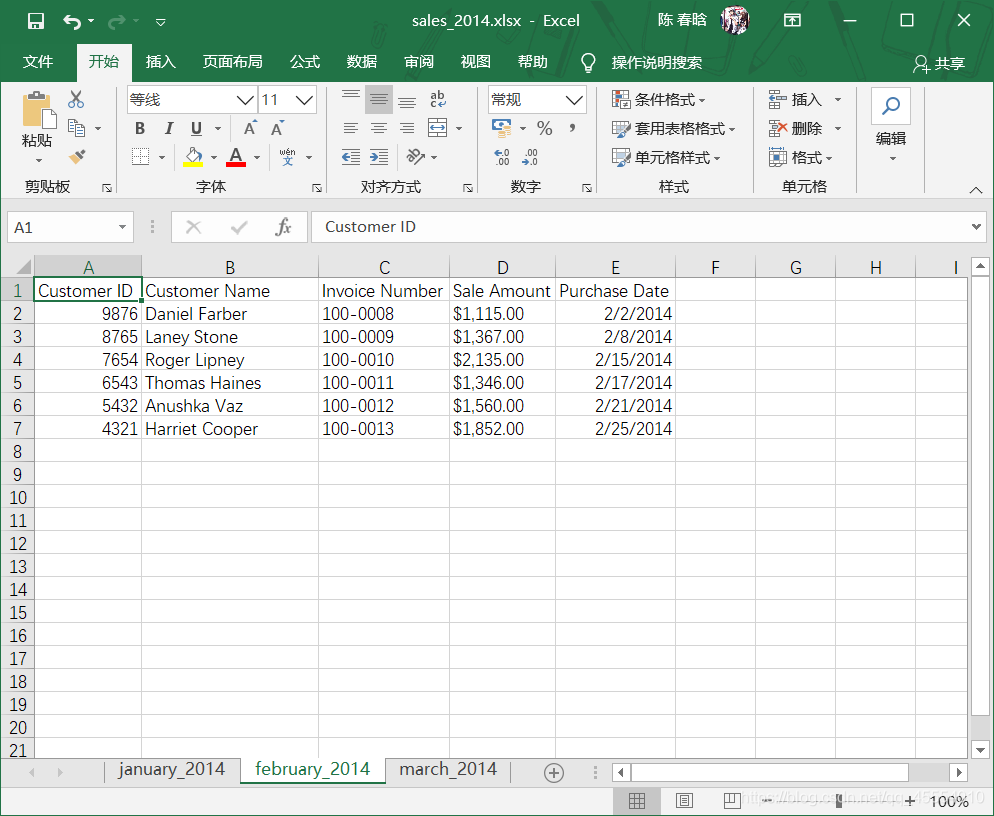
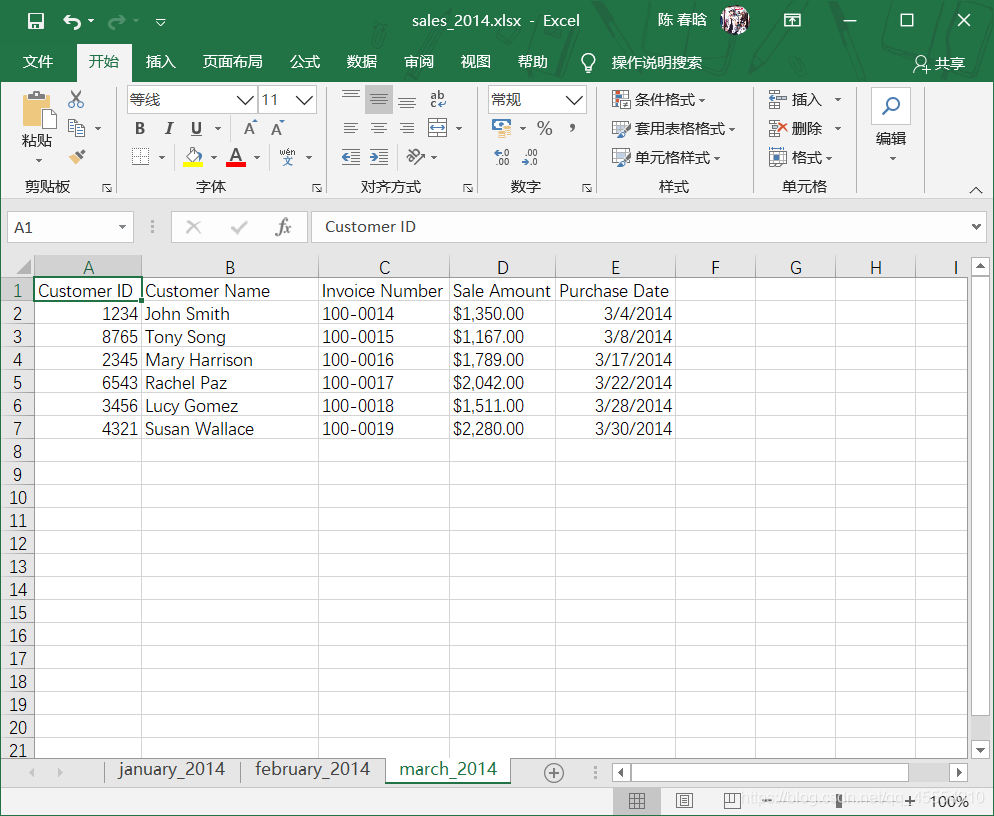
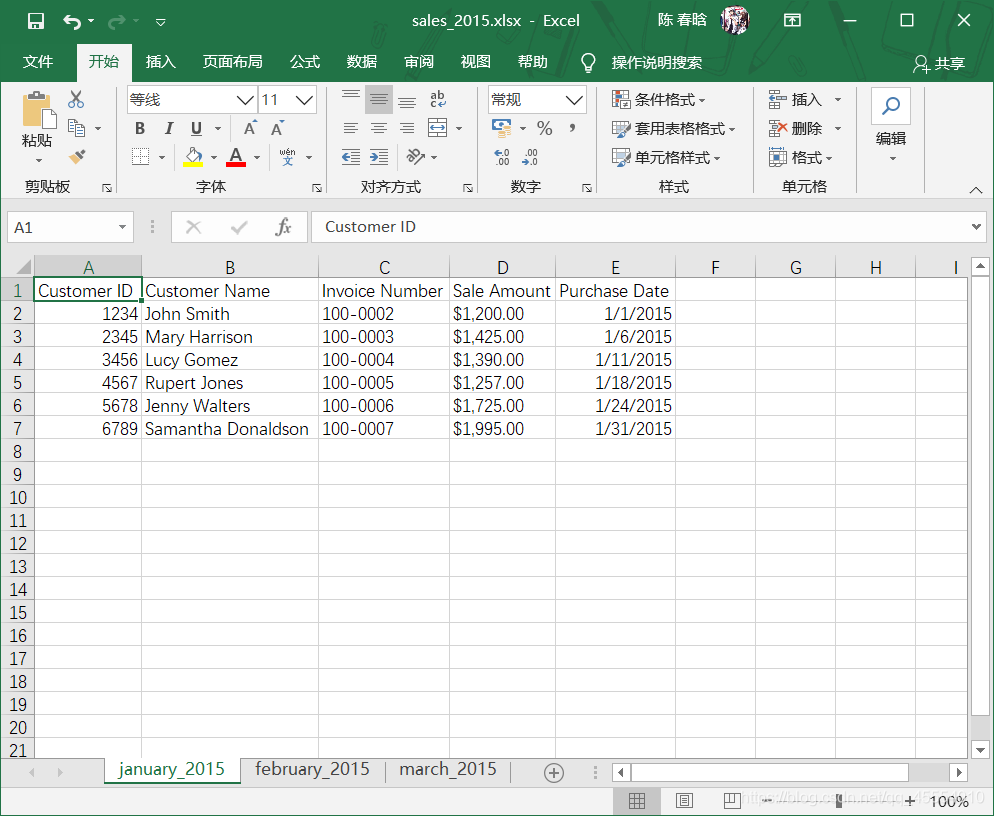
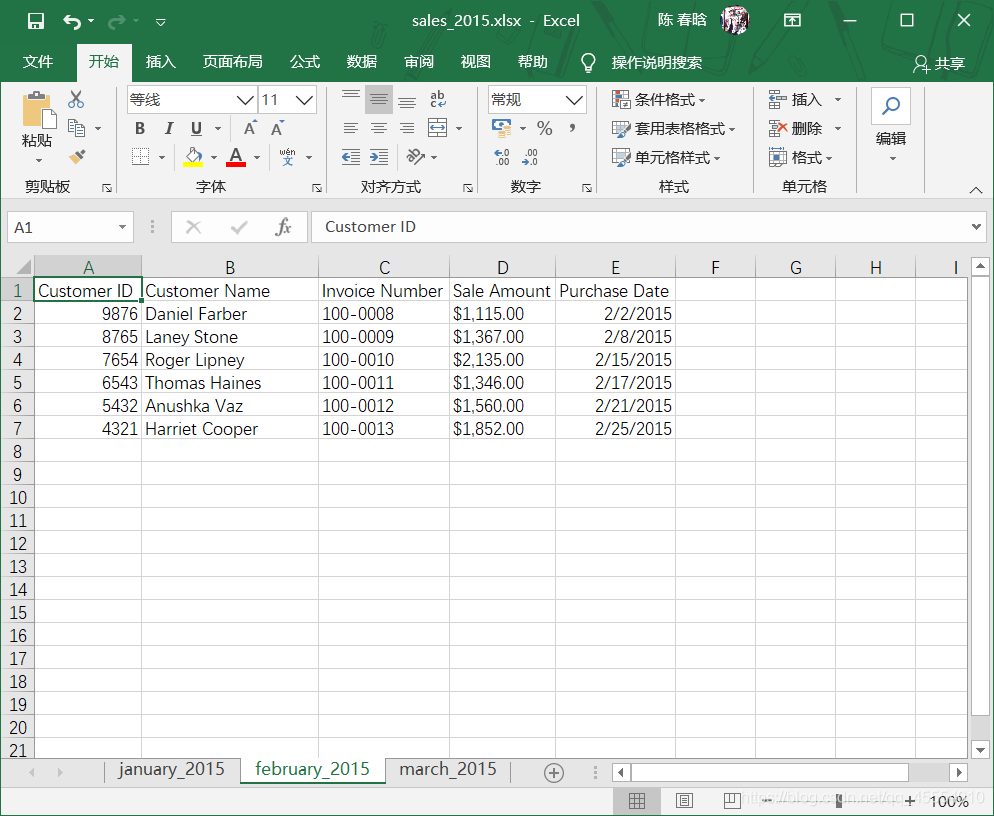
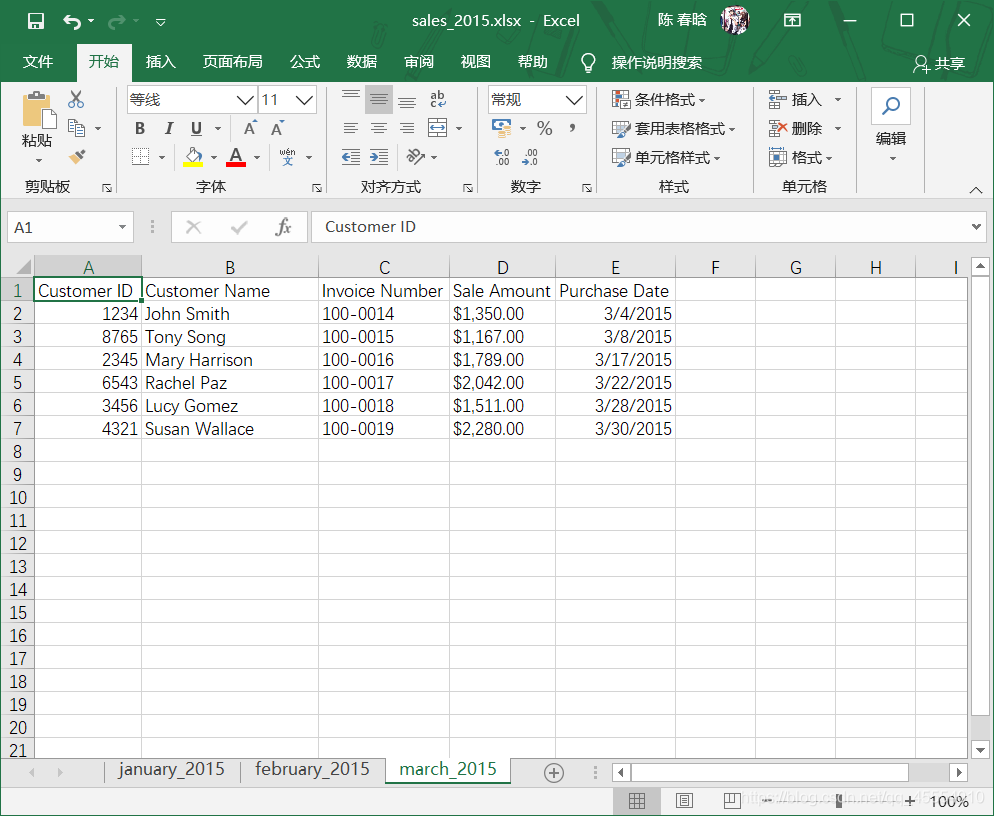
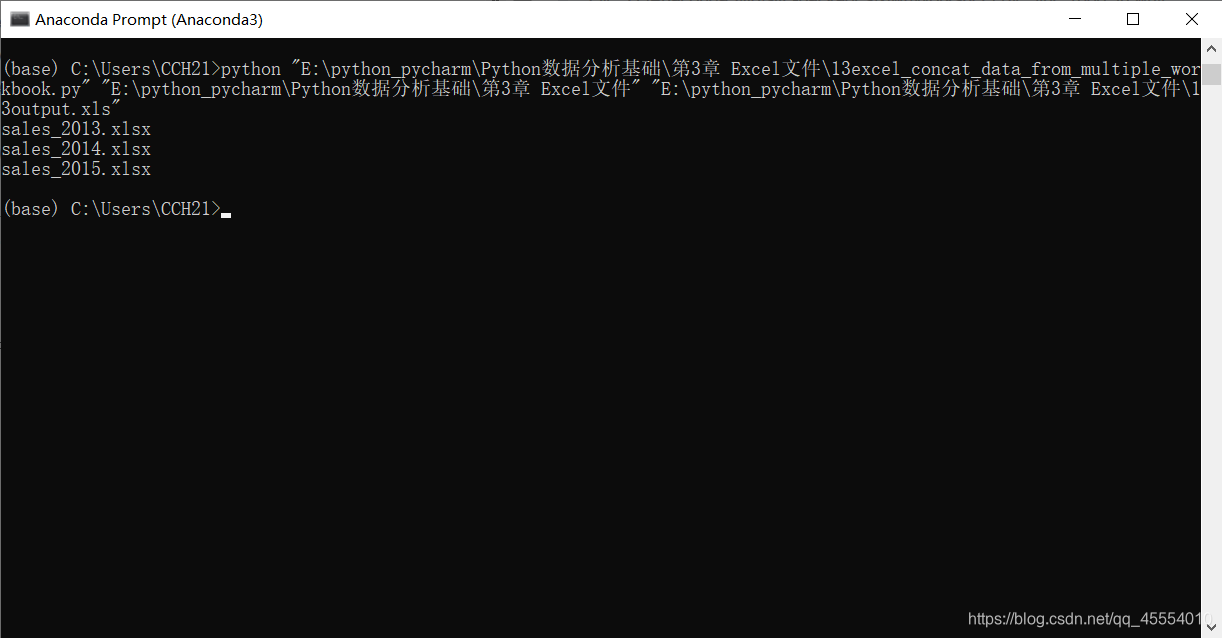
output_workbook = Workbook() output_worksheet = output_workbook.add_sheet('all_data_all_workbooks', cell_overwrite_ok=True) data = [] first_worksheet = True for input_file in glob.glob(os.path.join(input_folder, '*.xlsx')): print(os.path.basename(input_file)) with open_workbook(input_file) as workbook: for worksheet in workbook.sheets(): if first_worksheet: header_row = worksheet.row_values(0) data.append(header_row) first_worksheet = False for row_index in range(1, worksheet.nrows): row_list = [] for column_index in range(worksheet.ncols): cell_value = worksheet.cell_value(row_index, column_index) cell_type = worksheet.cell_type(row_index, column_index) if cell_type == 3: date_cell = xldate_as_tuple(cell_value, workbook.datemode) date_cell = date(*date_cell[0:3]).strftime('%m/%d/%Y') row_list.append(date_cell) else: row_list.append(cell_value) data.append(row_list) for list_index, output_list in enumerate(data): for element_index, element in enumerate(output_list): output_worksheet.write(list_index, element_index, element) output_workbook.save(output_file)
作者注:在第14行代码中,参考书上的代码并没有’cell_overwrite_ok=True’这一参数,这是我在写代码的时候报错后自己加上去的。 报错信息如下: Traceback (most recent call last): File “E:\python_pycharm\Python数据分析基础\第3章 Excel文件\13excel_concat_data_from_multiple_workbook.py”, line 39, in output_worksheet.write(list_index, element_index, element) File “D:\Anaconda3\lib\site-packages\xlwt\Worksheet.py”, line 1088, in write self.row(r).write(c, label, style) File “D:\Anaconda3\lib\site-packages\xlwt\Row.py”, line 235, in write StrCell(self.idx, col, style_index, self.parent_wb.add_str(label)) File “D:\Anaconda3\lib\site-packages\xlwt\Row.py”, line 154, in insert_cell raise Exception(msg) Exception: Attempt to overwrite cell: sheetname=’all_data_all_workbooks’ rowx=0 colx=0 查阅有关资料后得知,对一个单元格重复操作会引发ReturnsError,这个时候只要在打开文件的时候加上’cell_overwrite_ok=True’即可解决。这应该是书本上的错误。
for list_index, output_list in enumerate(all_data): for element_index, element in enumerate(output_list): output_worksheet.write(list_index, element_index, element) output_workbook.save(output_file)
 )
)
 )
)
 )
)
 )
)
 )
)





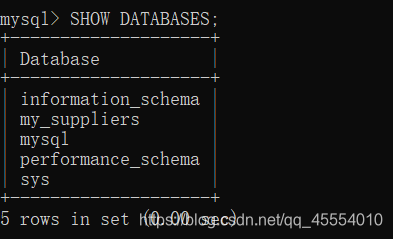
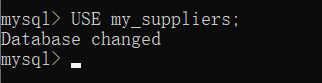
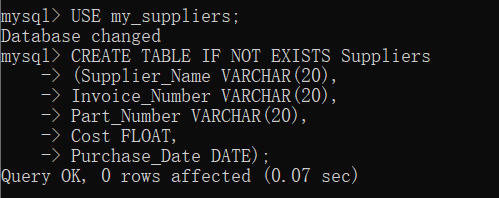
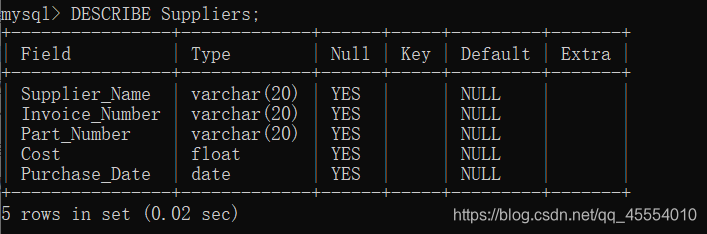
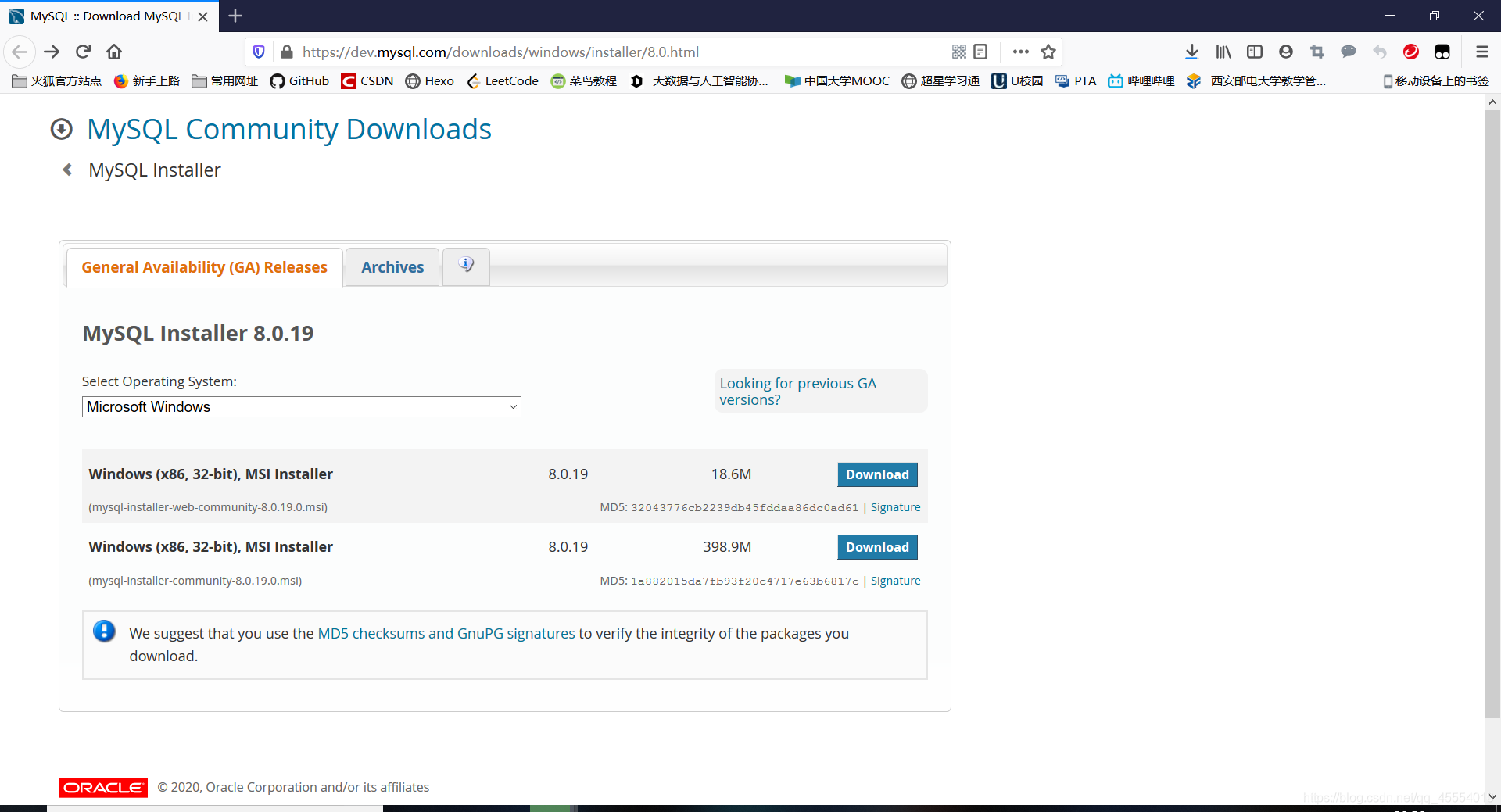 如上图所示,下载第二个即可。这里需要说明的一点是,虽然这里的MySQL Installer是32位,但会同时安装32位和64位二进制文件。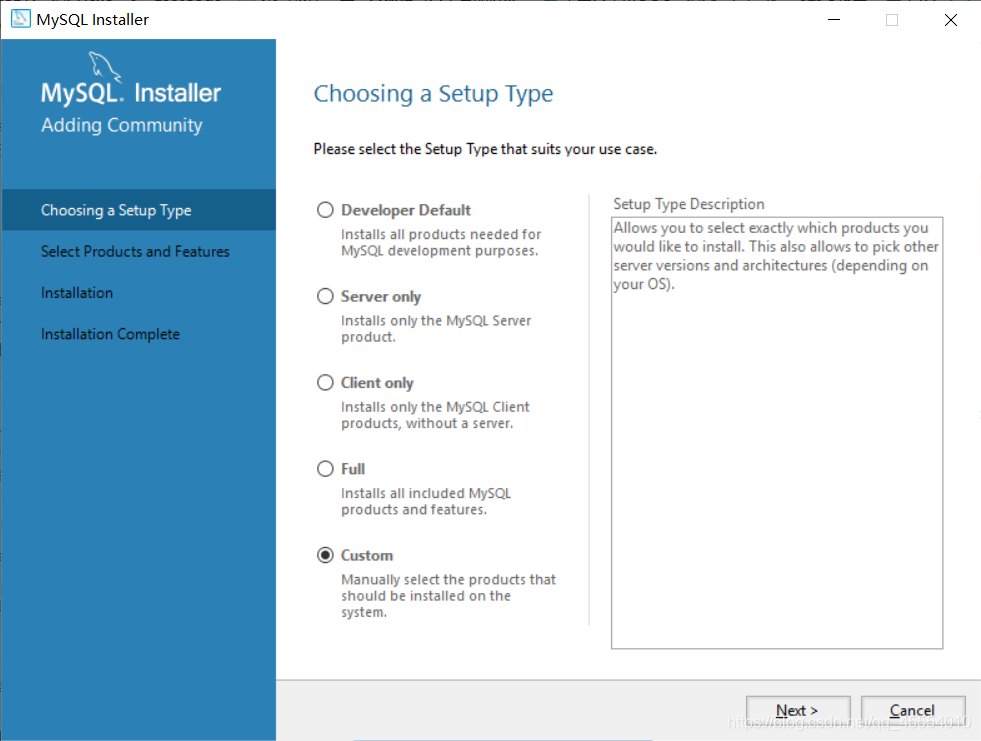
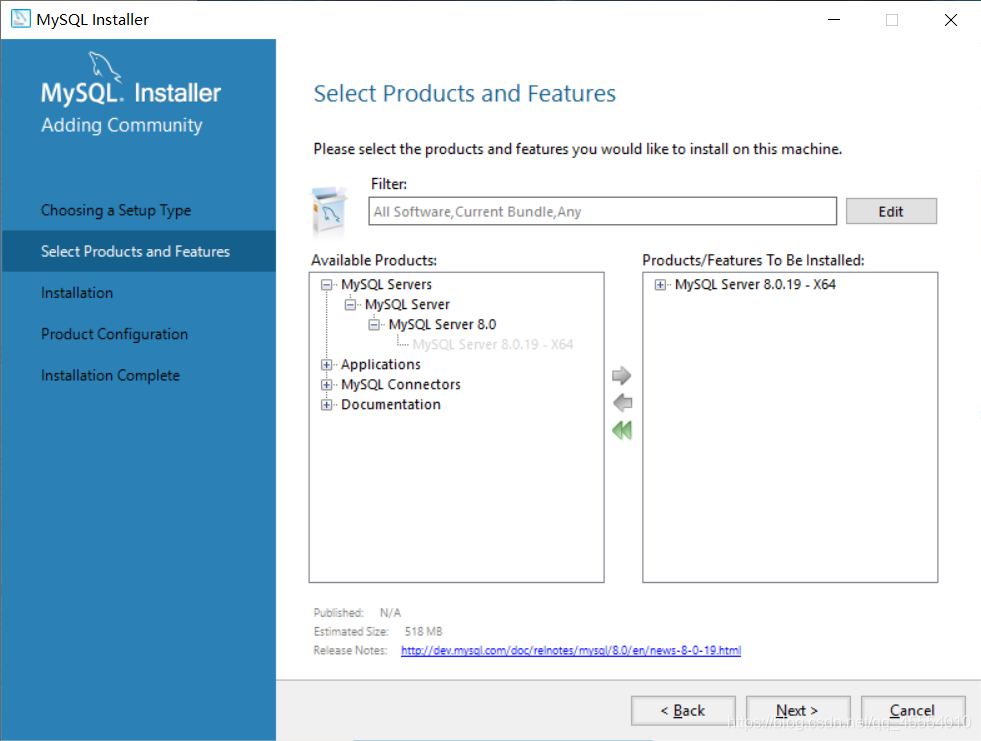
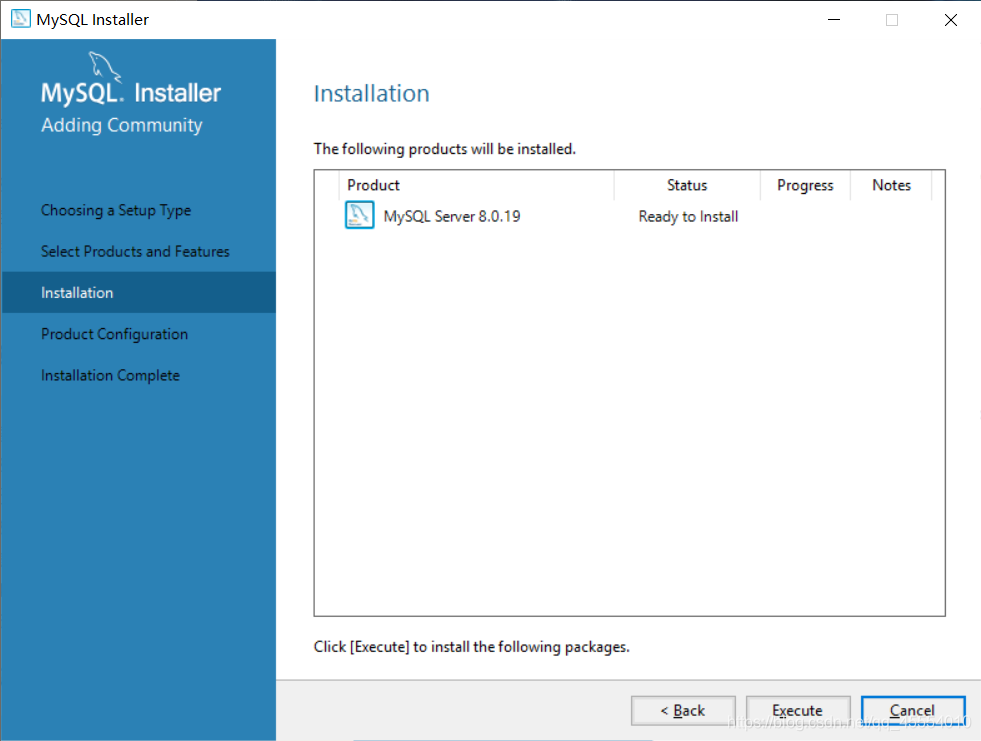
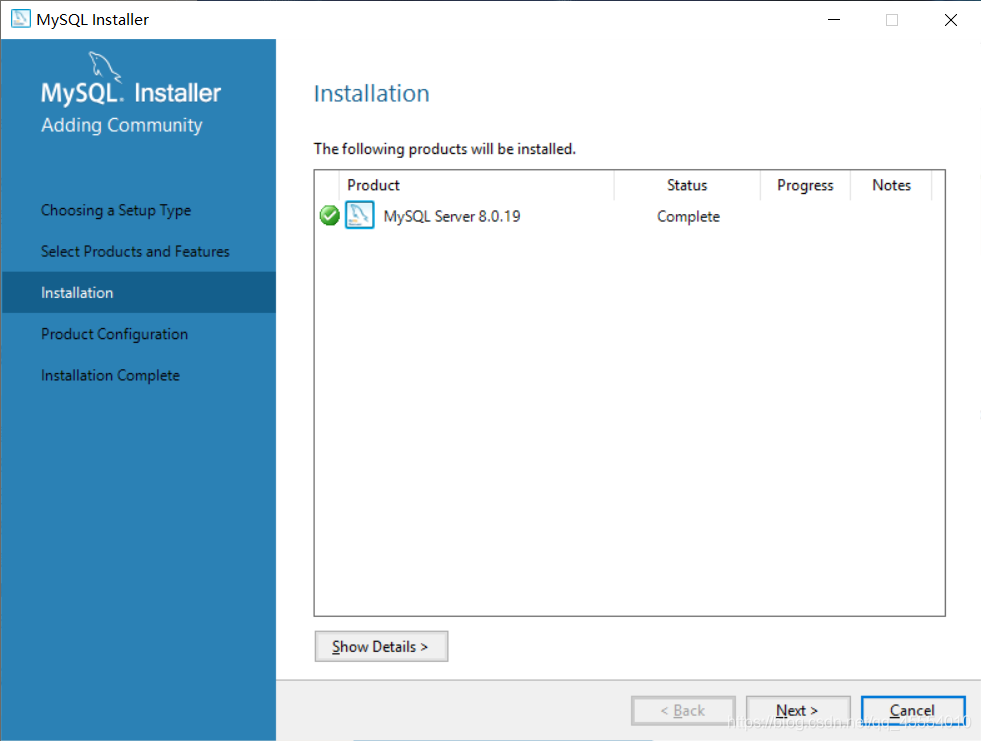
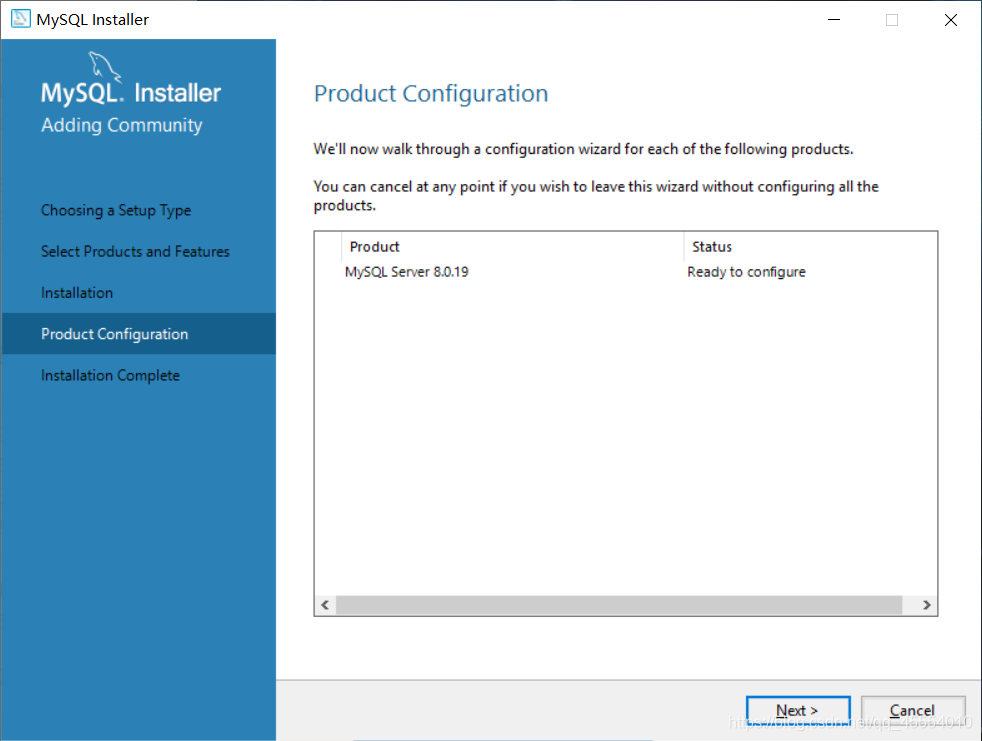
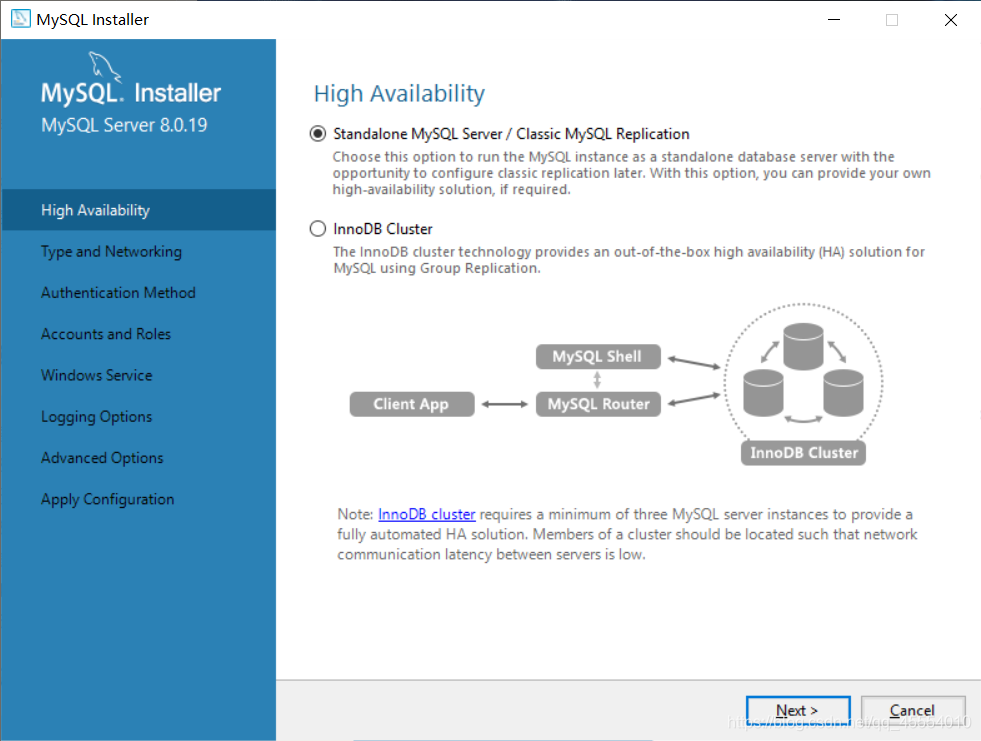
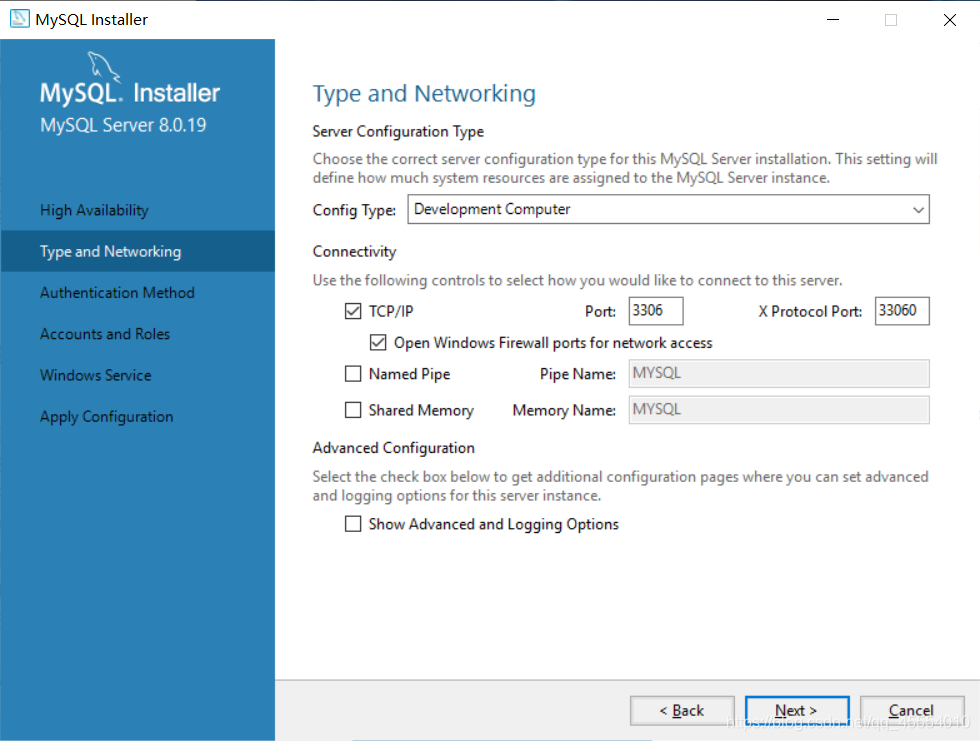
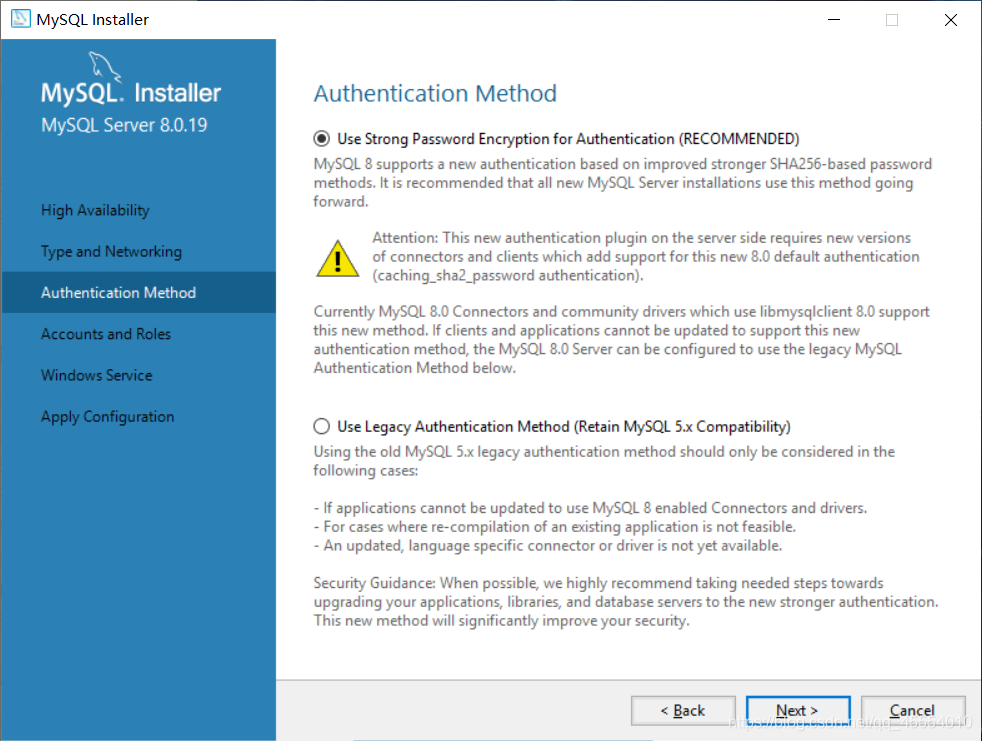
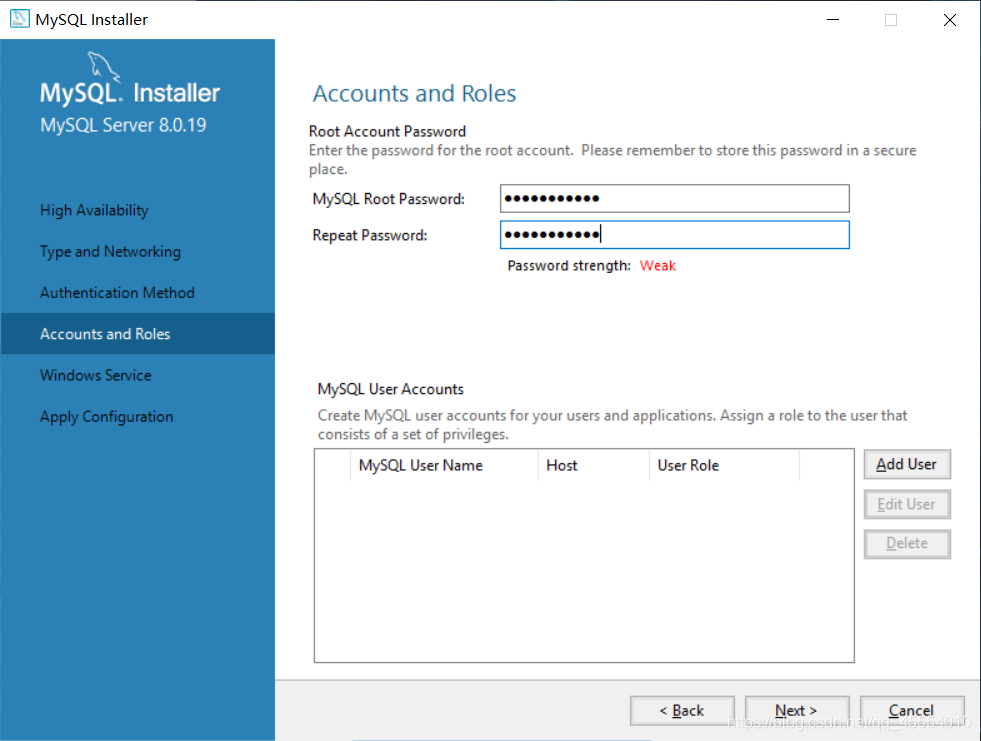
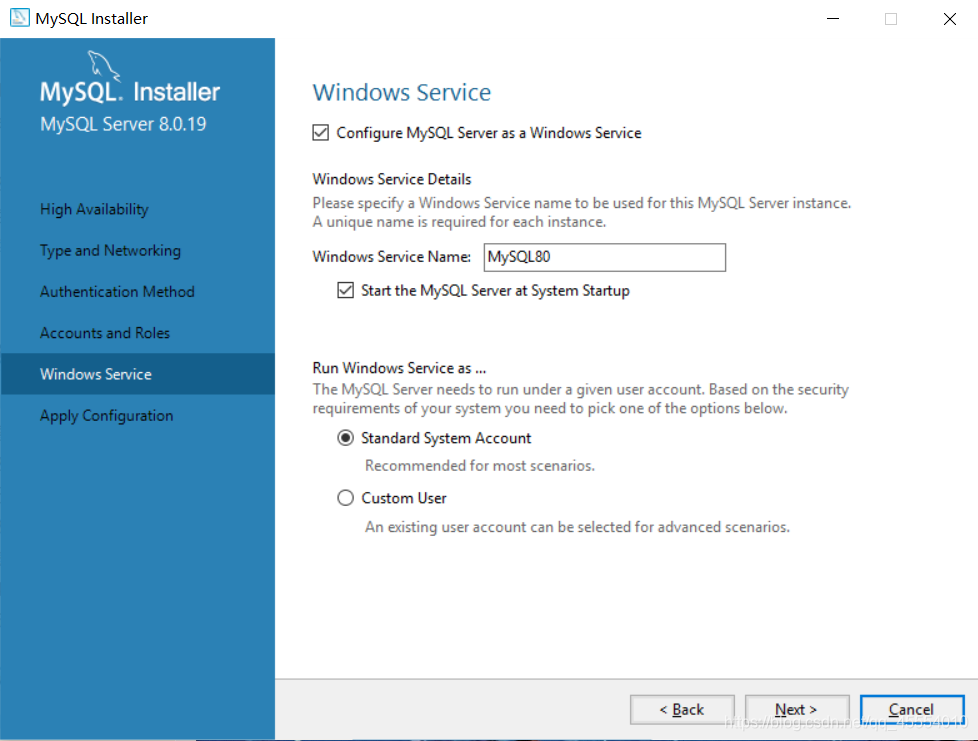
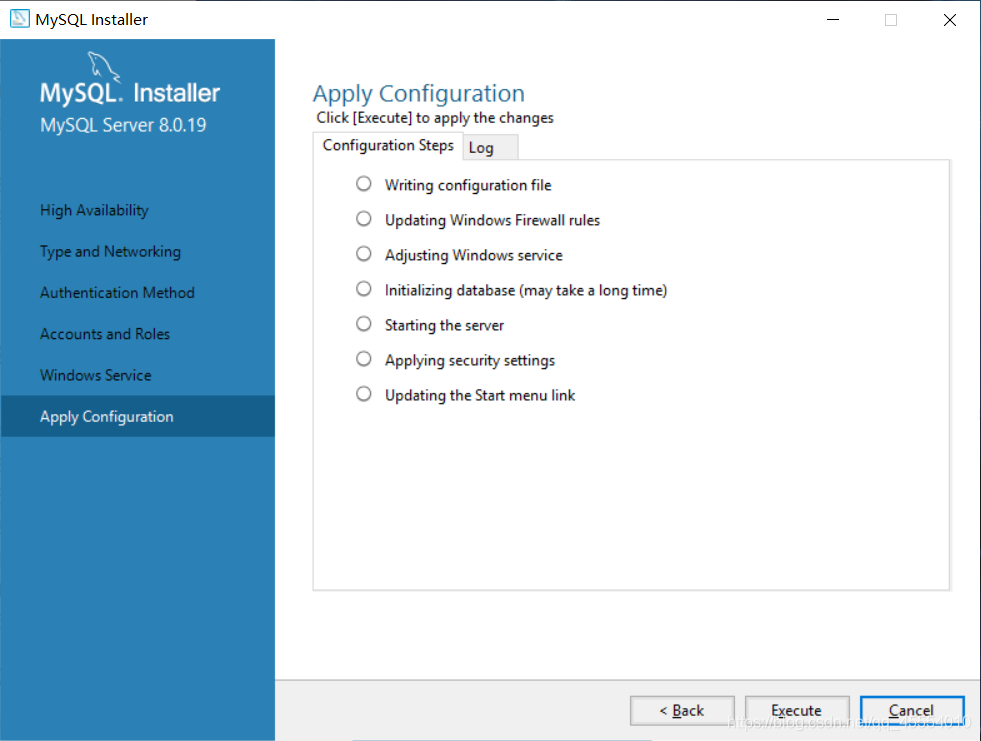
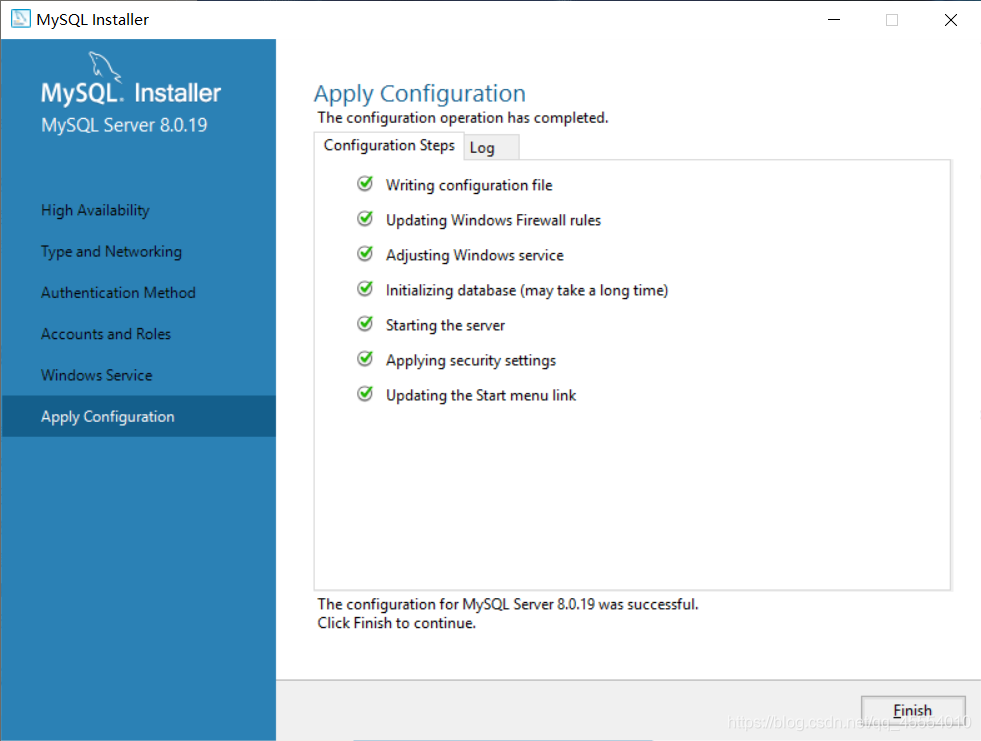
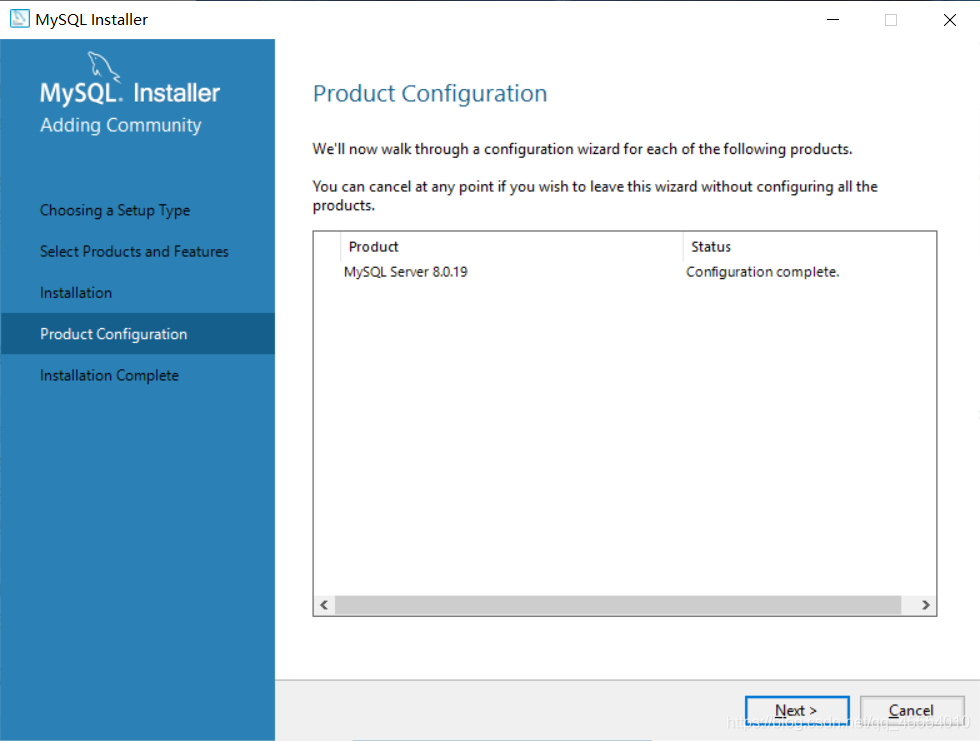
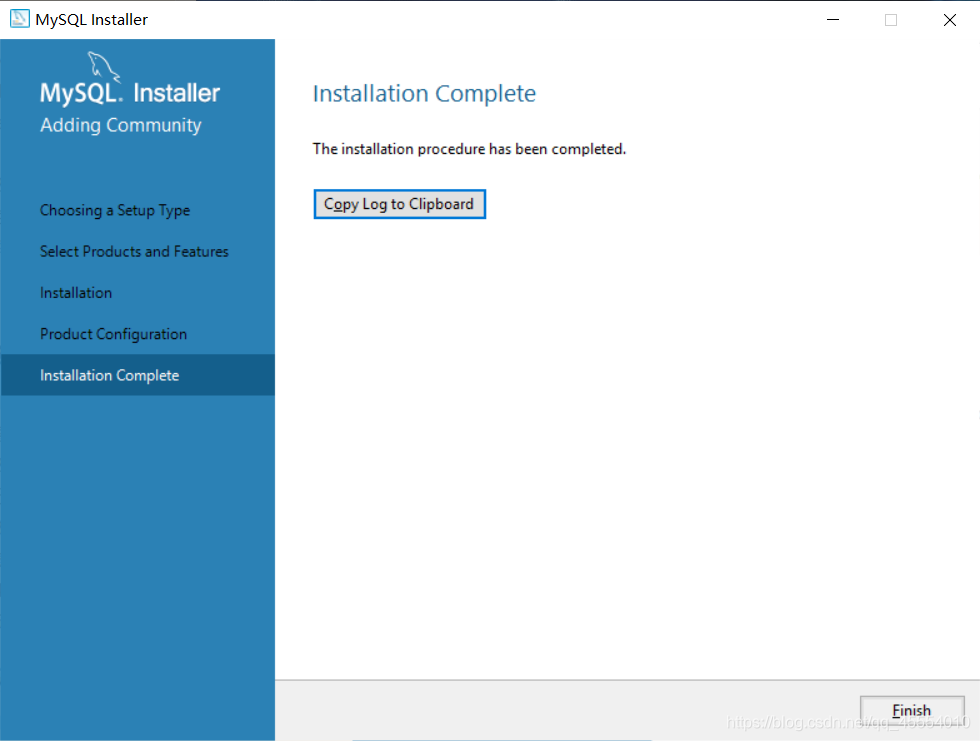
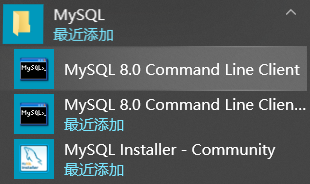
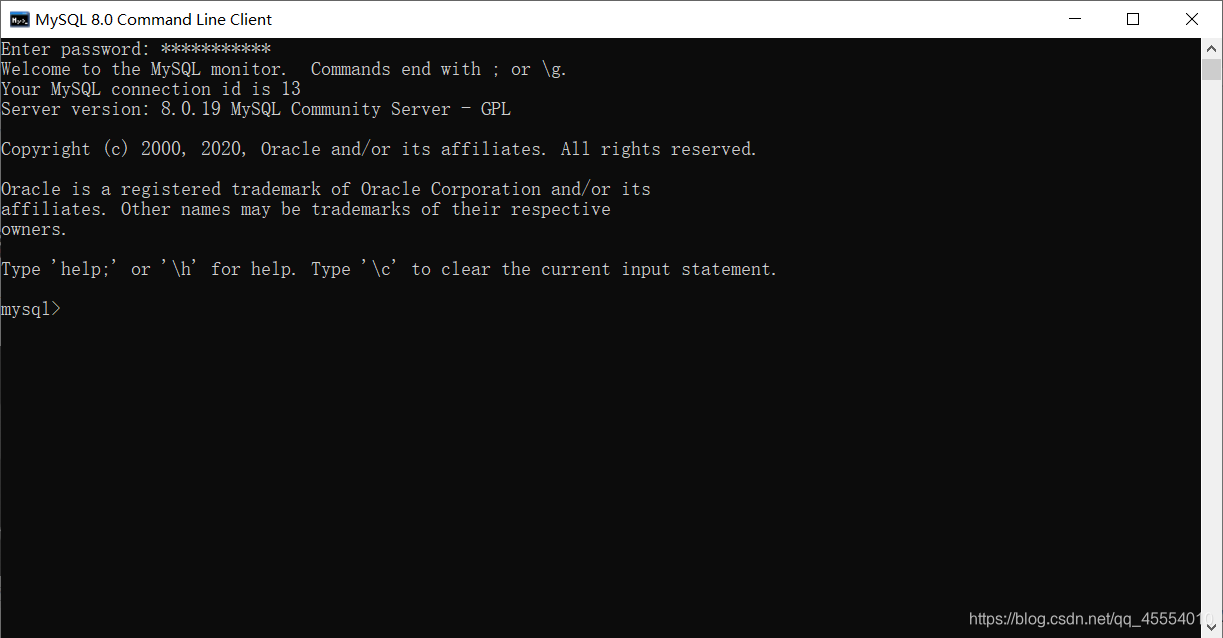
 )
) )
) )
) )
) )
)
 )
)